


🔍 Condens is strong for structured qualitative synthesis, but not every team needs a repository-first workflow.
📚 Research repositories work best when insights are continuously reused across projects, not just stored.
🧠 AI tagging speeds up early analysis, yet long-term value depends on searchability and governance.
⚖️ Some teams outgrow Condens when collaboration, permissions, or scale become more complex.
🐝 The right alternative depends on whether you need lightweight synthesis, enterprise-grade repositories, or tighter integration with your research stack.
Condens is a well-known qualitative research repository built to help teams tag, cluster, and structure insights from interviews and usability studies. For many UX teams, it provides a clean way to move from transcripts to organized findings.
However, as research operations mature, needs often expand. Some teams require deeper collaboration workflows. Others need stronger governance, AI flexibility, stakeholder dashboards, or better integration with their broader product ecosystem.
In this guide, we’ll examine what Condens does well, where it may fall short, and the 10 best Condens alternatives in 2026 for qualitative analysis, UX research repositories, and research operations.
What Condens does well
Condens is particularly strong at structured qualitative synthesis. It makes tagging, clustering, and building themes relatively straightforward, even for smaller research teams.
The platform supports turning raw interviews into reusable insights that can be stored and revisited over time. It’s also more lightweight and approachable than some enterprise research repositories, which makes onboarding easier.
For teams building an internal insight library without heavy operational overhead, Condens offers a practical starting point.
Where Condens falls short
As teams scale research across departments or regions, certain limitations become more visible.
⚠️ The platform could be more intuitive
Some users find Condens less intuitive, especially when working with audio recordings involving multiple participants, where the transcription can struggle to recognize voices accurately.
The platform also offers a wide range of features that aren’t always immediately clear, which can make it difficult for new users to understand how to apply them to their research.
As a result, even those who see the potential benefits may use it less frequently until they get a better handle on how everything works.
The platform is not so intuitive to use and the transcription service has some troubles recognizing the voices in audios with more than 2 participantes. Also, I noticed that the platform has a lot of features that I guess could be helpful to my student/research work but I am not sure what they are for or how to take advantage of them. I would use it more frequently if I could figure out their use for my work.
⚠️ Participant management needs improvement
Participant management in Condens is basic, allowing simple edits and data tracking, but it lacks features like email integration, target lists, consent forms, or reward distribution.
This often forces teams to rely on additional tools, adding extra steps and complexity, though integrations can help if developers or admins are involved.
Condens offers basic simple management of participants and the ability to add and change their data. But it’s a shame that this area – respondent management – doesn’t cover more scenarios (integration with email, creating target lists, signing consents, distributing rewards, etc.). This leads to the necessary use of additional tools and the associated inefficiencies. However, this can be covered by available integrations, which requires the involvement of developers or system administrators.
⚠️ Pricing increases quickly as teams grow
Condens’ pricing can scale significantly depending on seats and features, which may be a concern for expanding teams.
Smaller teams may find it manageable, but larger organizations often evaluate alternatives with more flexible enterprise pricing structures.
Customer support have been helpful in identifying possible sessions with the company, to board in the new tool, but recent changes in the plans made things we needed more expensive.
Best Condens alternatives and competitors in 2026
Below are ten strong alternatives to Condens, each suited to different qualitative research needs.
Dovetail
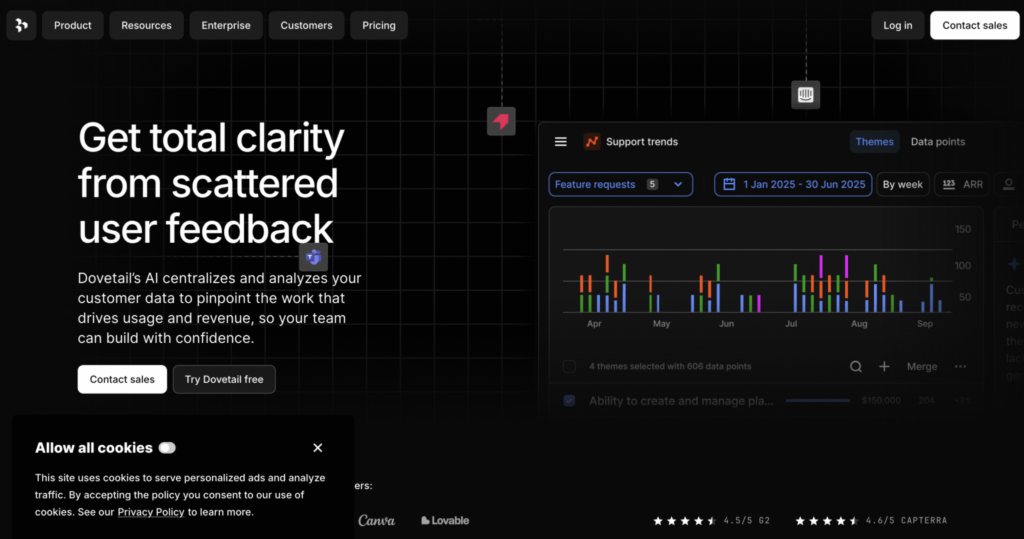
Best for: Large-scale qualitative research repositories.
Dovetail is a widely used research repository built for organizing, tagging, and synthesizing qualitative data at scale. It combines transcription, highlights, and insight management in one place, making it easier for teams to turn interviews and notes into shareable findings. Dovetail works best for research-heavy teams that need a central system to manage large volumes of qualitative data across projects.
However, some teams find it complex and time-intensive compared to lighter tools.
Main features
- Research repository
- Tagging and synthesis
- Collaboration features
Pricing
Dovetail offers a free plan with core features available, along with a custom Enterprise plan for larger teams that need advanced controls, security, and scalability.
💡 Pro Tip
UXtweak integrates with Dovetail, making it easy to sync research insights directly into your repository. 🐝
EnjoyHQ
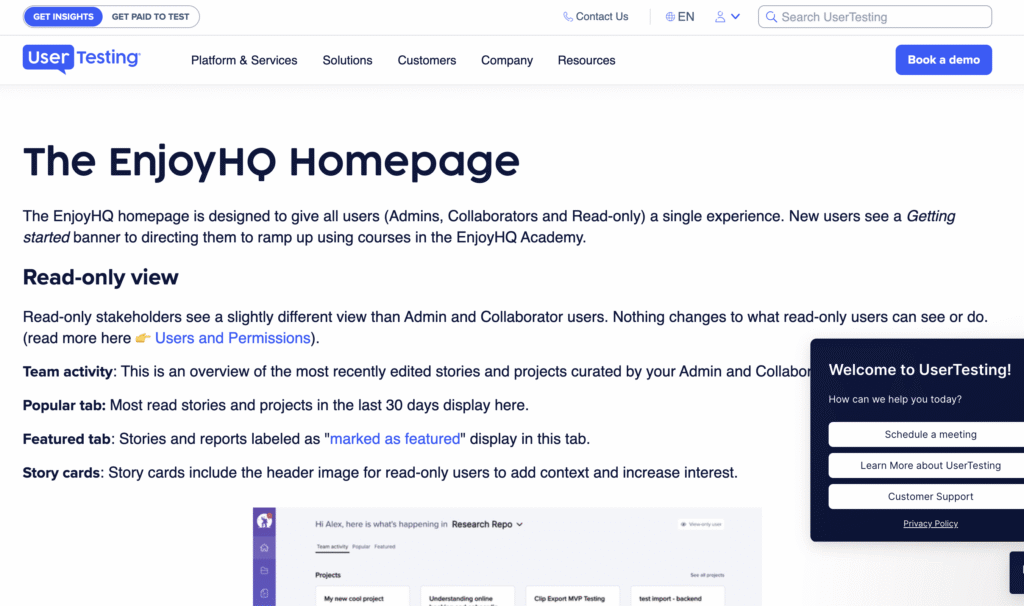
Best for: Insight sharing with stakeholders.
EnjoyHQ is a research repository designed to help teams centralize customer insights and make them accessible beyond the research team. It focuses on turning raw feedback into structured insights that product, design, and leadership teams can easily explore and reuse. EnjoyHQ is particularly well suited for organizations that want research findings to inform roadmaps, strategy, and ongoing decision making across departments.
Main features
- Insight libraries
- Stakeholder-friendly dashboards
- Integrations with research tools
Pricing
EnjoyHQ uses custom pricing based on features and the number of users.
Aurelius
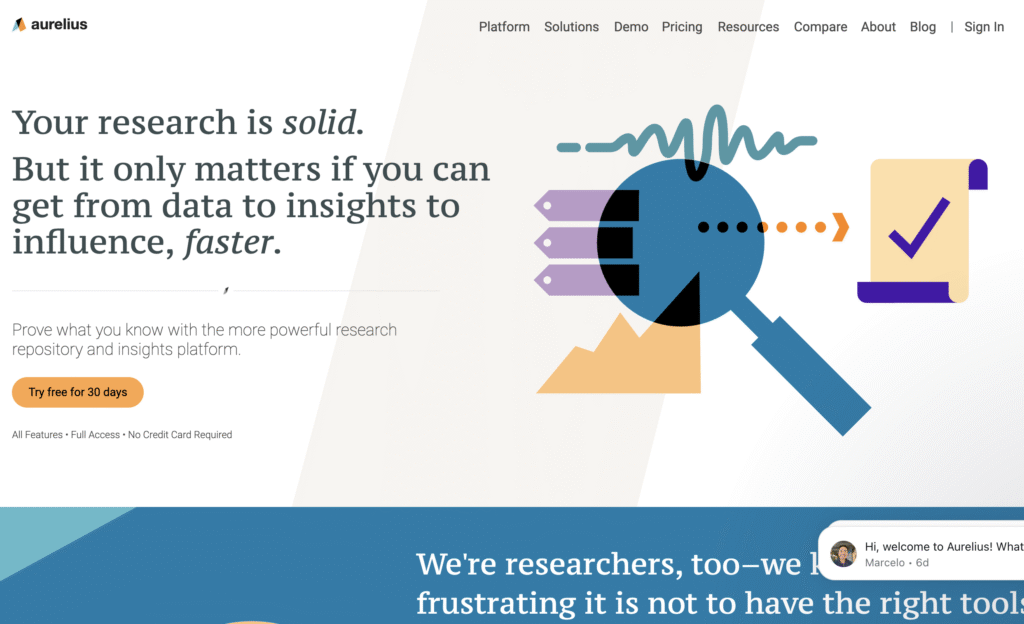
Best for: Lightweight qualitative analysis and tagging.
Aurelius is a qualitative research analysis tool focused on helping teams synthesize interviews, usability tests, and notes without heavy setup. It supports tagging, clustering, and theme building in a way that feels approachable for small to mid-sized teams. Aurelius works best for teams that want structured qualitative synthesis without the complexity of larger research repository platforms.
Main features
- Tagging and synthesis
- Insight grouping
- Collaboration tools
Pricing
Aurelius offers a free plan for basic use, a Starter plan starting at about $49 per user per month, a Team plan around $199 per user per month, and a custom Enterprise plan with advanced features and support.
UserBit
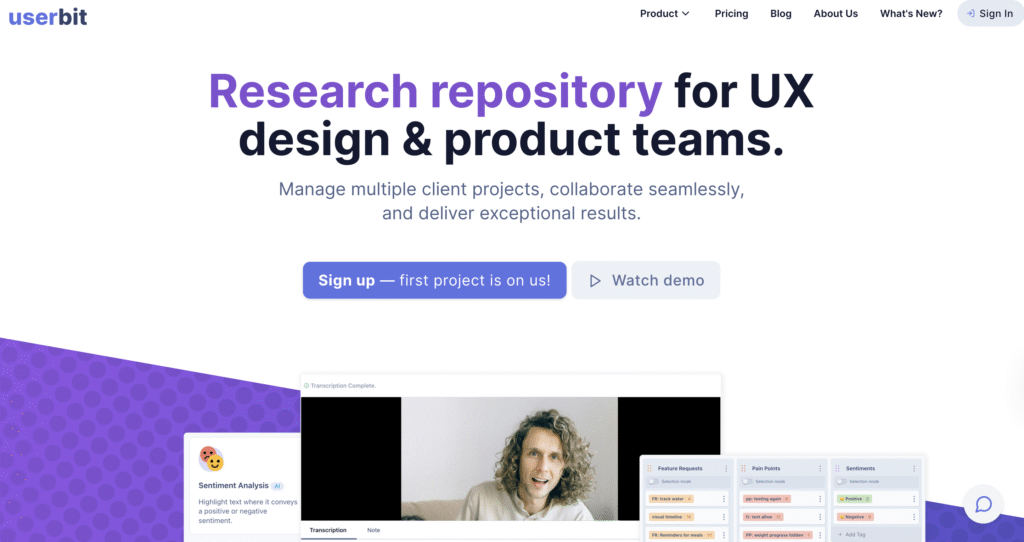
Best for: Teams that want an all‑in‑one research repository and workflow system
UserBit is a centralized research repository designed to store interviews, surveys, notes, and artifacts in one place. It uses AI to transcribe and tag data, enrich insights, and surface patterns across projects. It can also act as a stakeholder portal by serving curated insights externally.
Main features
- AI‑powered transcription and tagging
- Centralized workspace for interviews, notes, and assets
- Automated insight grouping and pattern detection
- Client/Stakeholder portal for sharing outcomes
Pricing
Starts around $20–$60 per month with a free tier for a single project; pricing scales with usage and projects.
Looppanel
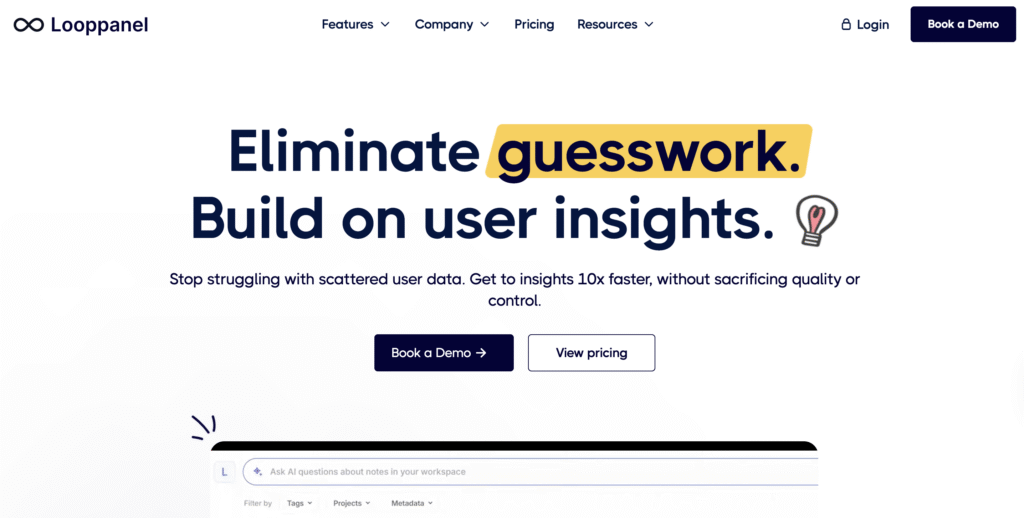
Best for: Teams that want AI‑assist baked into repository workflows
Looppanel combines a research repository with AI‑enabled features such as automatic transcription, theme detection, and smart search across recorded interviews and feedback. It supports live note‑taking and shareable insights.
Main features
- Auto transcription and tagging
- Smart AI‑assisted search and summaries
- Live note capture during research sessions
- Clip creation for evidence‑based insights
- Unlimited viewers and collaborators on higher plans
Pricing
Pro plan starts at $395/month, and a custom Enterprise plan is available.
Survicate
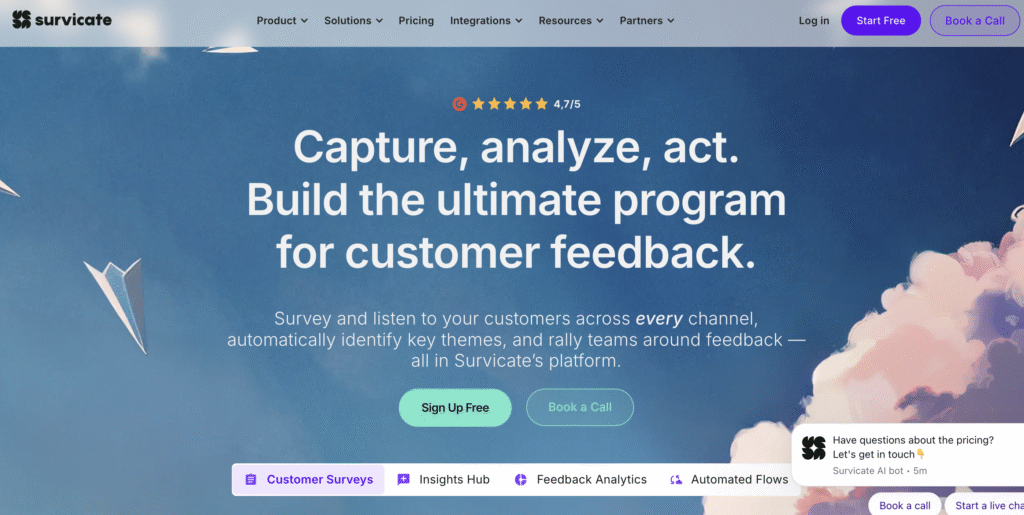
Best for: Research teams that combine continuous feedback collection with an insights hub that clusters qualitative feedback for analysis.
Survicate is primarily a customer feedback platform but its Insights Hub centralizes and categorizes feedback, enabling teams to analyze sentiment, filter themes, and act on qualitative data alongside quantitative metrics. It’s broader in scope than a pure repository because it also gathers feedback from live channels.
Main features
- Multi‑channel feedback collection (surveys, apps, websites)
- AI‑powered categorization and sentiment analysis
- Dashboards and actionable insights
- CRM and analytics tool integrations
- Research Assistant for automated synthesis
Pricing
Starter plan starts at £209/month, Growth plan begins at £1068/year (billed annually), Pro plan starts at £3108/year (also billed annually), and an Enterprise plan costs £5268/year (billed annually).
Stravito
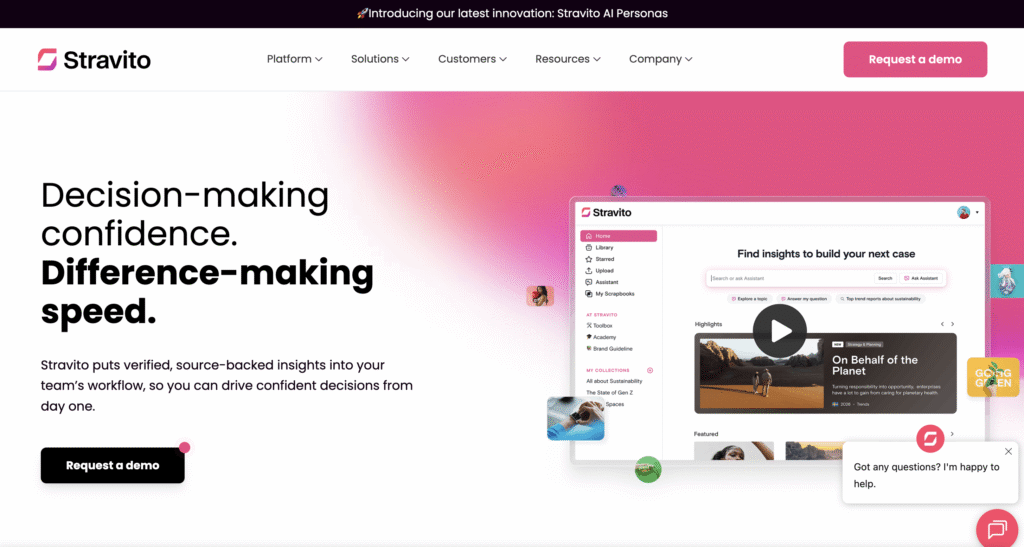
Best for: Enterprise teams needing a company‑wide knowledge and insight platform that centralizes research, analytics, and market insights
Stravito provides a secure, centralized platform to store, curate, and share all research assets across an organization. Its focus is on discoverability, AI‑assisted search, and aligning insights with strategic decisions across departments.
Main features
- Unified insight library across research and market data
- AI‑enhanced search and assistant features
- Curation tools for building collections and narratives
- Integrations with external research sources
- Enterprise governance and security certifications (ISO/SOC2)
Pricing
Custom enterprise pricing, usually requiring a demo to scope your needs.
Confluence
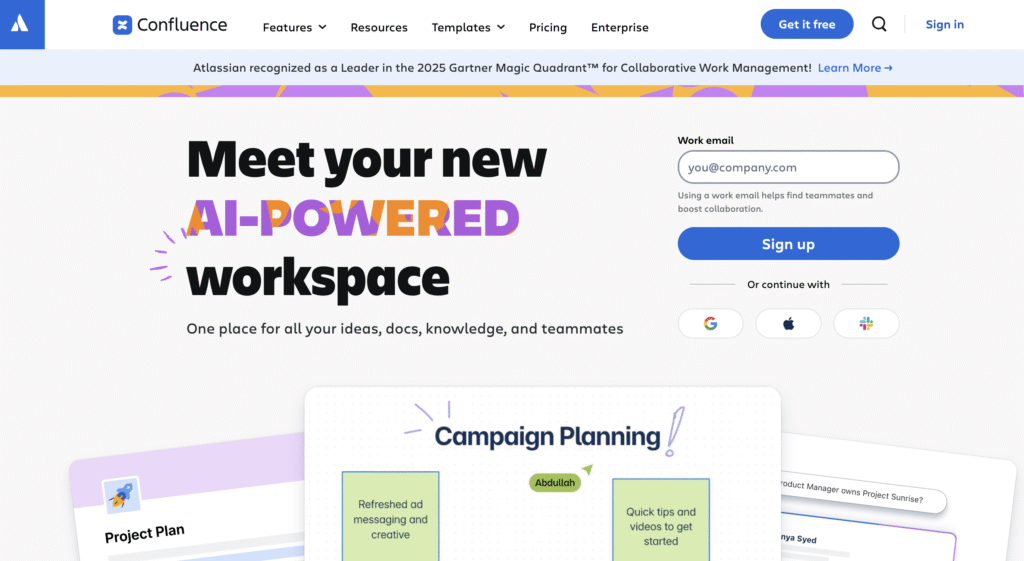
Best for: Teams that want a flexible knowledge hub for research documentation, tagged insights, and cross‑project knowledge sharing integrated with broader workflows (e.g., Jira)
Confluence isn’t a research repository per se, but it’s widely adopted as a central knowledge workspace where research outputs, decisions, and documents live in a structured, searchable way. Pages, databases, and templates let teams construct a shared research repository that scales.
Main features
- Nested content organization and versioning
- Templates for standardizing research documentation
- Search and macros for rich content display
- Integration with Jira and other Atlassian tools
- Workflow and team collaboration features
Pricing
Free plan available for small teams; Standard plan starts from roughly ~$6 per user/month, and the Premium plan starts at around $11 per user/month. A custom Enterprise plan is also available.
Notion
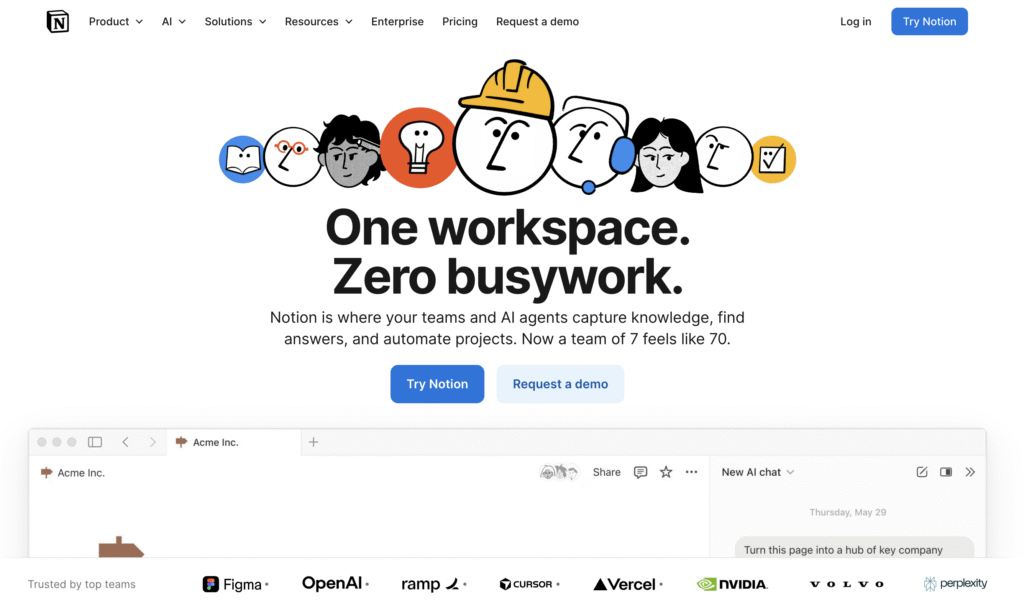
Best for: Teams that want a customizable, lightweight research repository with flexible databases and templates
Notion is a versatile workspace where teams can build their own research repository structure using pages, databases, and templates tailored to their workflow. It’s not purpose‑built for research analysis but is widely used because of its ease of use and adaptability.
Main features
- Infinite hierarchical pages and databases
- Customizable templates for research notes, interview logs, and insights
- Kanban, calendar, and table views for data management
- Embedded media and real‑time collaboration
Pricing
Free tier with core features; Plus plan costs ~ €10 per user/month, and the Business plan costs roughly €20 per user/month. A custom Enterprise plan is also available.
Productboard
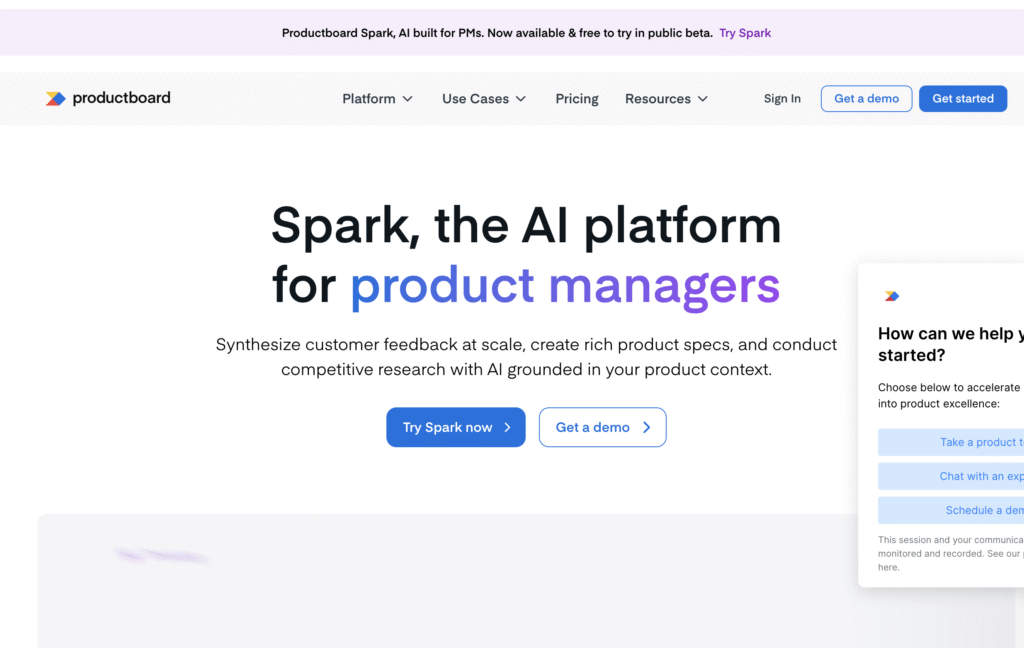
Best for: Teams that want customer feedback and insights tied directly to product decisions and roadmaps
Productboard is a product feedback and management platform where research insights, customer requests, and product decisions live together. It functions as a repository for customer questions, feature requests, and qualitative feedback, mapped to roadmap priorities and internal workflows.
Main features
- Centralized feedback repository from multiple channels
- Scorecards and prioritization frameworks
- Roadmaps linked to qualitative evidence
- Custom views for stakeholders
- Integrations with development and analytics tools
Pricing
The Starter tier is free, with the Essentials plan at $19 maker/month, the Pro plan at $59 maker/month, and a custom Enterprise plan.
How to choose the best UX research repository tool?
Choosing a Condens alternative depends on how your team works and scales research.
📍Searchability
A repository only works if insights can be retrieved easily. Look for strong filtering, tagging consistency, and AI-assisted search that actually surfaces meaningful patterns.
📍Collaboration & sharing
Consider whether non-research stakeholders can navigate the tool independently. Stakeholder dashboards, permissions, and integrations with tools like UXtweak, Slack or Jira often matter more than tagging features.
📍Scalability
Evaluate how the tool handles growing data volumes, multiple projects, and expanding teams. Governance, permissions, and pricing flexibility become critical as research scales.
Wrapping up
Condens is a solid qualitative research repository, particularly for structured synthesis within small to mid-sized teams.
However, as research becomes more embedded in product strategy, collaboration, governance, and scalability requirements increase.
The right alternative depends on whether you prioritize enterprise-scale repositories, workshop-based synthesis, academic rigor, or research operations support.
No matter which repository or insight tool you choose, pairing it with an all-in-one platform like UXtweak makes research easier and more connected.
With features such as usability testing, surveys, session recording, card sorting, and more, UXtweak helps you run, manage, and analyze all your studies in one place, so insights from any tool feed directly into your research workflow.
Try it for free today and see how easily you can centralize your research, uncover insights faster, and keep your whole team aligned .🐝








📌 Top 3 best alternatives at a glance: