

🔍 Looppanel alternatives offer different strengths across qualitative analysis, repositories, and end-to-end UX research workflows.
🧠 AI support helps, but only when paired with strong synthesis, collaboration, and insight reuse.
📊 Not all tools are repositories, some excel at interviews, others at long-term research memory.
⚖️ Choosing the right alternative depends on how deeply UX research connects to product decisions in your team.
🐝 UXtweak stands out by combining qualitative analysis with active research methods in one platform.
Teams turn to Looppanel mostly for interview analysis and AI-assisted qualitative work, but it’s no longer the only option.
As UX research matures, many teams need tools that go beyond transcription and tagging, and support synthesis, sharing, and decision-making across the organization.
In this guide, we will explain what Looppanel does well, where it falls short, and the best Looppanel alternatives in 2026, including tools for qualitative analysis, UX research repositories, and continuous research workflows.
What Looppanel does well
Looppanel is well-regarded for simplifying qualitative analysis, especially for teams running frequent user interviews.
Its AI-assisted transcription, tagging, and summarization help researchers move faster from raw recordings to initial insights.
The platform is especially useful during early synthesis, where teams need to review multiple interviews and surface patterns quickly.
Looppanel also lowers the barrier for teams newer to qualitative research by reducing manual effort.
As David Travis puts it,
It’s the process of UX research that matters, not the beauty of the final artifact.
Looppanel supports that process by making early analysis more accessible.
Where Looppanel falls short
Despite its strengths, Looppanel is not always the best fit, especially as research operations scale.
⚠️ Limited trial experience
A few users mention that the trial version feels restrictive and doesn’t allow enough time or access to fully explore the platform’s capabilities.
Even so, many still decide to adopt Looppanel because it feels easier to use and more approachable than some established alternatives.
I wish their trial would let me explore more extensively, yet I still made the decision to add it to my toolset, because it’s better and easier to use than other tools I have evaluated (including Dovetail in my opinion)
⚠️ Some basic functionality is missing
Some users feel Looppanel is still maturing, with a few basic workflows not fully polished yet.
For example, search results don’t always jump directly to specific clips, and quick actions like linking or downloading highlights can require extra steps.
The product still feels new and like there is some basic functionality missing that you’re still working on. I was happy to see the new functionality of being able to move calls to projects if I’d forgotten to assign them! In search, I’d love for it to jump straight to the highlighted clip instead of the full interview file. Would also love to have a quick link to the clip/download.
⚠️ Limited control over AI insights
Some teams would like more flexibility in how AI-generated insights are customized, so they can tailor analysis more closely to their research goals.
While the AI support is helpful, the current level of control can feel restrictive for advanced or highly specific research needs.
Expanding the customization options for AI insights could allow more personalized analysis, improving our user understanding even more. However whenever we’ve had questions or suggestions, the Looppanel team has been incredibly receptive, truly listening to our feedback.
Best Looppanel alternatives in 2026
Below are ten strong Looppanel competitors and alternatives, each suited to different qualitative research needs.
UXtweak
Best for: End-to-end UX research, from data collection to qualitative analysis and synthesis.
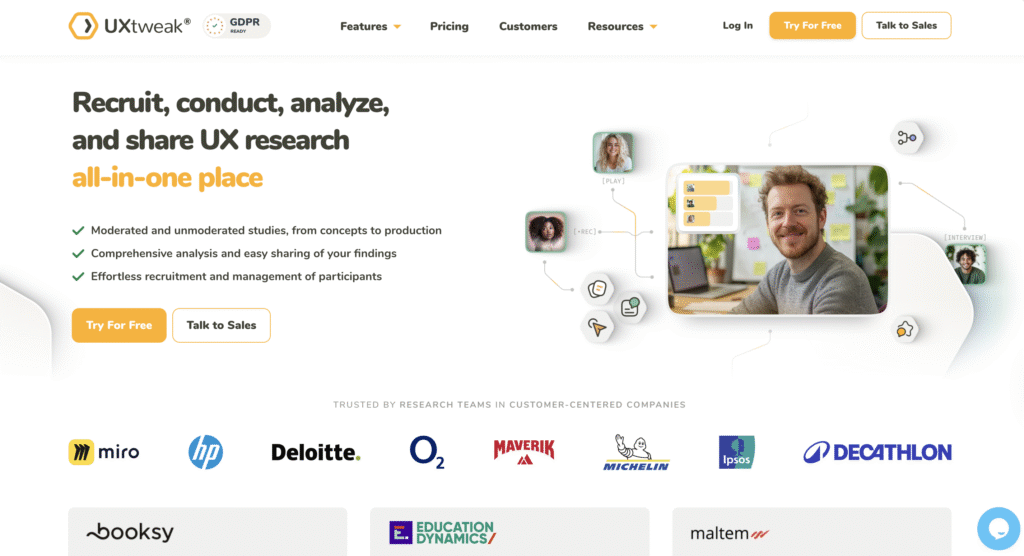
UXtweak goes beyond interview analysis by combining qualitative research with active UX research methods such as usability testing, surveys, card sorting, and prototype testing. Instead of analyzing interviews in isolation, teams can connect qualitative insights directly to user behavior and validation studies.
This makes UXtweak especially strong for continuous research, where insights flow directly into design and product decisions. Teams can collect, analyze, and revisit insights in one place instead of stitching tools together.
Main features
🔽 Try UXtweak’s Survey in Action and Usability testing yourself!


Reviews
We have used this platform in a UX Design course and the experience has been very good. We have mainly used it for information architecture projects (card sorting, tree testing, …), and the tools it incorporates are extremely useful. It even allows recording remote sessions and having everything integrated. The analysis part is also quite comprehensive. The support from the company is also very good.
I liked the analytics and all the different data you can get from them. It’s not just the recordings of sessions. There are profiles for each participants, task completion rates, lostness metric and overal usability score. You can see exactly where visitors click the wrong thing, the time it takes them to complete your tasks, and can understand how and why they got confused if so.
– Ideal for Prototype Testing: Adding a Figma prototype is incredibly smooth. UXtweak handles nested components and variables well. Changes made in the Figma file are automatically reflected in UXtweak, and you can choose whether to reset variables—very convenient.
– Outstanding Customer Support: Human responses within 24 hours, no canned replies. The team is helpful and genuinely cares.
– Supports Complex Studies: Capable of handling advanced study setups without becoming overwhelming.
– Intuitive Testing Interface: Clear, user-friendly design with well-explained steps.
– Built-In Camera Recording: Supports (camera) recording directly in the web app—no need for external software.
– Detailed Results: Provides comprehensive and insightful analytics.
– Student-Friendly: Generous discounts and a robust free plan make it very accessible.
Pricing
UXtweak has designed a variety of pricing plans to suit different user testing requirements:
- Free Plan (€0/month) – Forever free, a great way to experiment with UX research tools at no cost. Includes access to all tools, 15 responses/month, 1 active study, and 14-day access to results.
- Business Plan (€92/month, billed annually) – Ideal for teams that require essential UX research tools and features for their projects. Includes 50 responses/month (upgradable), 1 active study (upgradable), unlimited tasks per study, 12-month data retention, reports and video exports.
- Custom Plan (Pricing upon request) – Tailored for organizations with advanced research needs, providing unlimited active studies, customizable responses, live interviews, access to a global user panel and much more.
For more information on the features of each plan, visit the UXtweak pricing page. 🐝

Condens
Best for: Structured qualitative synthesis and insight repositories.
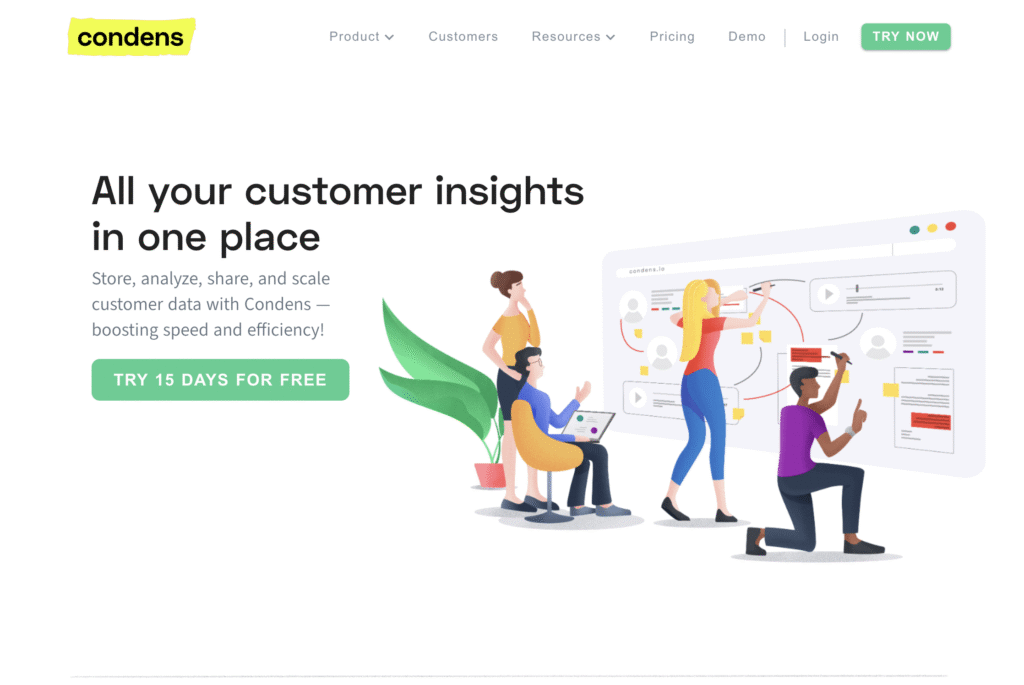
Condens is a strong alternative for teams that want to move beyond raw transcripts and work with structured, reusable insights. It supports tagging, clustering, and synthesis across interviews and studies, making it easier to identify patterns and build insight libraries over time. This makes Condens a good fit for teams that want research findings to stay visible and useful beyond a single project.
Main features
- Insight tagging and clustering
- Research repository
- Collaboration and sharing
Pricing
Condens offers a Lite plan starting at €15 per month, a Business plan starting at €500 per month, and a custom-priced Enterprise plan, with a 15-day free trial available.
Dovetail
Best for: Large-scale qualitative research repositories.
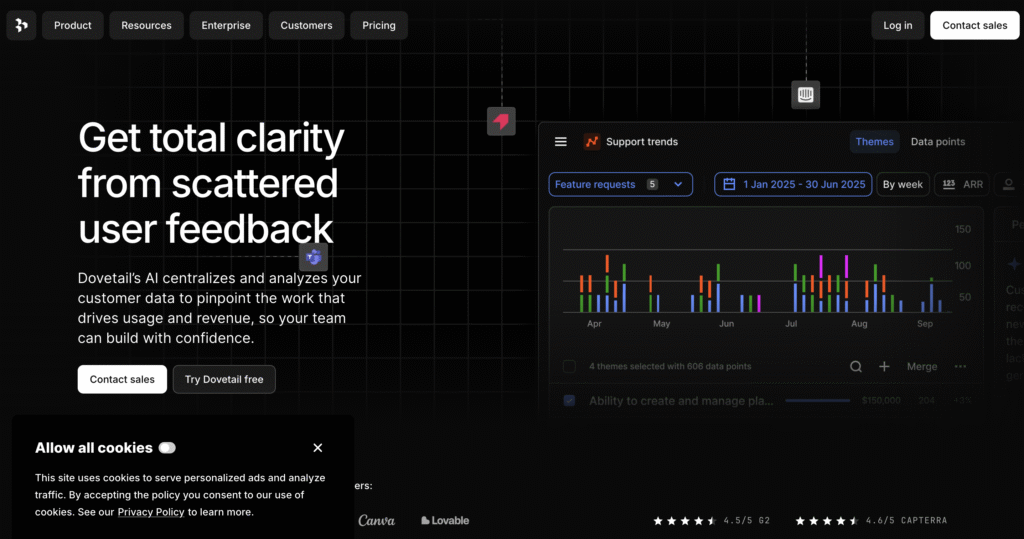
Dovetail is a widely used research repository built for organizing, tagging, and synthesizing qualitative data at scale. It combines transcription, highlights, and insight management in one place, making it easier for teams to turn interviews and notes into shareable findings. Dovetail works best for research-heavy teams that need a central system to manage large volumes of qualitative data across projects.
However, some teams find it complex and time-intensive compared to lighter tools.
Main features
- Research repository
- Tagging and synthesis
- Collaboration features
Pricing
Dovetail offers a free plan with core features available, along with a custom Enterprise plan for larger teams that need advanced controls, security, and scalability.
EnjoyHQ
Best for: Insight sharing with stakeholders.
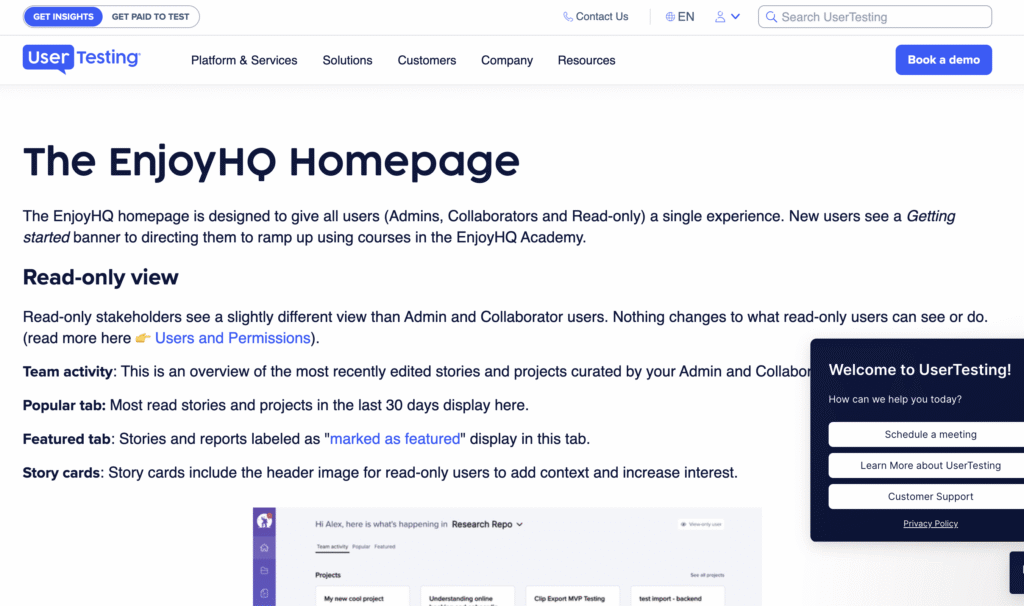
EnjoyHQ is a research repository designed to help teams centralize customer insights and make them accessible beyond the research team. It focuses on turning raw feedback into structured insights that product, design, and leadership teams can easily explore and reuse. EnjoyHQ is particularly well suited for organizations that want research findings to inform roadmaps, strategy, and ongoing decision making across departments.
Main features
- Insight libraries
- Stakeholder-friendly dashboards
- Integrations with research tools
Pricing
EnjoyHQ uses custom pricing based on features and the number of users.
Aurelius
Best for: Lightweight qualitative analysis and tagging.
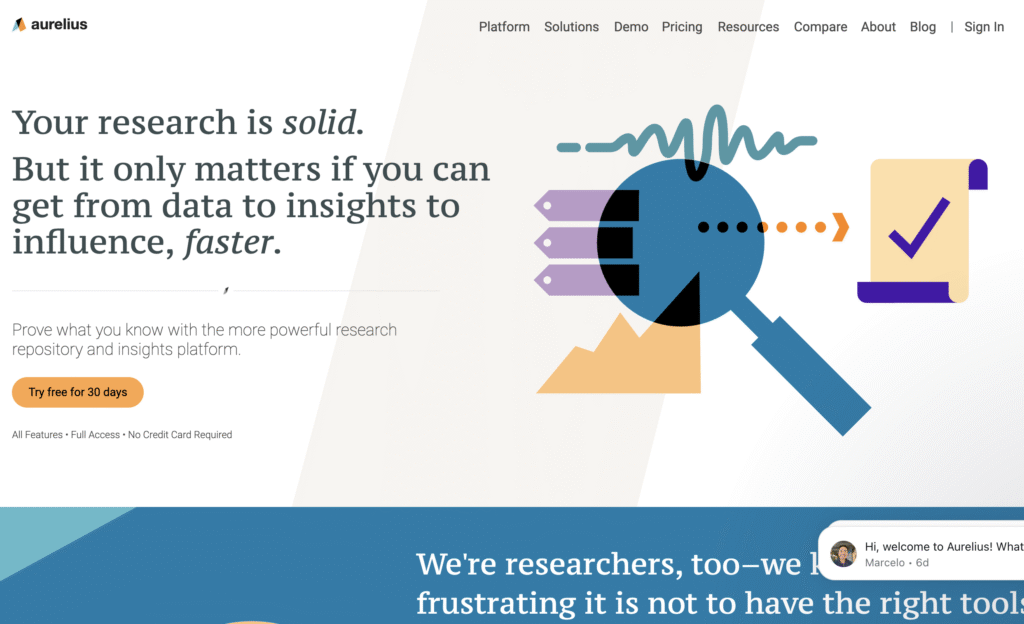
Aurelius is a qualitative research analysis tool focused on helping teams synthesize interviews, usability tests, and notes without heavy setup. It supports tagging, clustering, and theme building in a way that feels approachable for small to mid-sized teams. Aurelius works best for teams that want structured qualitative synthesis without the complexity of larger research repository platforms.
Main features
- Tagging and synthesis
- Insight grouping
- Collaboration tools
Pricing
Aurelius offers a free plan for basic use, a Starter plan starting at about $49 per user per month, a Team plan around $199 per user per month, and a custom Enterprise plan with advanced features and support.
Notably
Best for: Collaborative qualitative analysis.
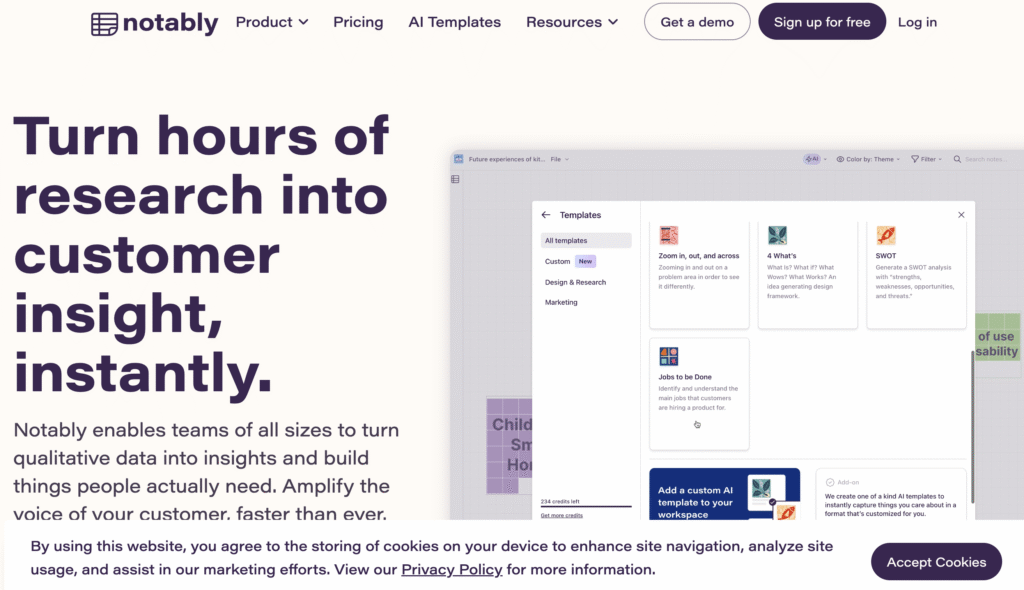
Notably is a collaborative qualitative analysis tool built to support team-based sense-making during research synthesis. Most notably, it emphasizes visual and collaborative workflows that allow teams to tag, cluster, and theme qualitative data together in real time. This makes Notably a strong fit for workshops and group synthesis sessions rather than long-term research repository management.
Main features
- Thematic analysis
- Collaboration features
- Visual synthesis boards
Pricing
Notably has a free plan with a basic free tier available, a Pro plan starting at $40 per user per month, a Teams plan for $300 per month, and a custom Enterprise plan for larger organizations.
Lookback
Best for: Running, recording, and analyzing moderated user interviews and usability tests in one place.
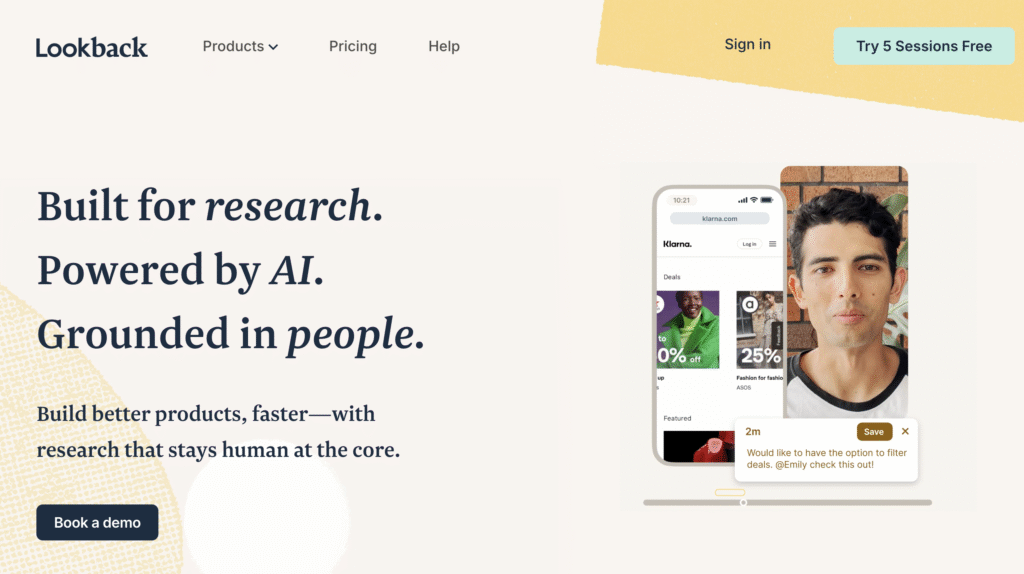
Lookback is a qualitative research platform focused on live interviews, usability testing, and session recording. It allows researchers to observe users in real time, capture highlights during sessions, and collaborate with stakeholders through shared notes and timestamps. Compared to tools like Looppanel that focus heavily on post-session synthesis, Lookback shines earlier in the research process by making live research easier to run and share. It’s particularly useful for teams that want fast feedback loops without complex setup or heavy repository workflows.
Main features
- Live moderated user interviews and usability testing
- Session recording with timestamps and highlights
- Real-time note-taking and collaboration
- Automatic cloud storage of sessions
- Observer access for stakeholders
Pricing
Lookback offers a Freelance plan at $299 per year, a Team plan at $1,782 per year, an Insights Hub plan at $4,122 per year, and an Enterprise plan with custom pricing.
ResearchHub
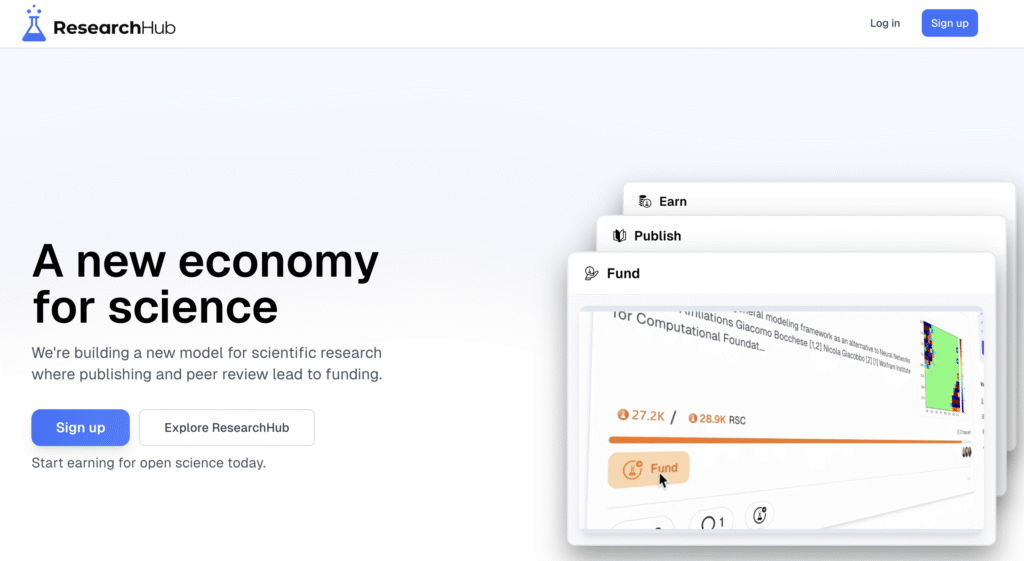
Best for: Managing research operations and participants.
ResearchHub is a research operations platform focused on managing participants, recruitment, and research logistics rather than deep qualitative analysis. Most notably, it helps teams centralize participant data, automate scheduling, and streamline incentives, which reduces operational overhead for ongoing research programs. ResearchHub works best alongside qualitative analysis tools, supporting teams that run frequent studies and need stronger ResearchOps infrastructure.
Main features
- Participant management
- Research operations
- Integrations
Pricing
ResearchHub uses custom pricing for its Hub Workflow and Hub CRM plans, with costs based on team size and usage, and details available on request.
Miro
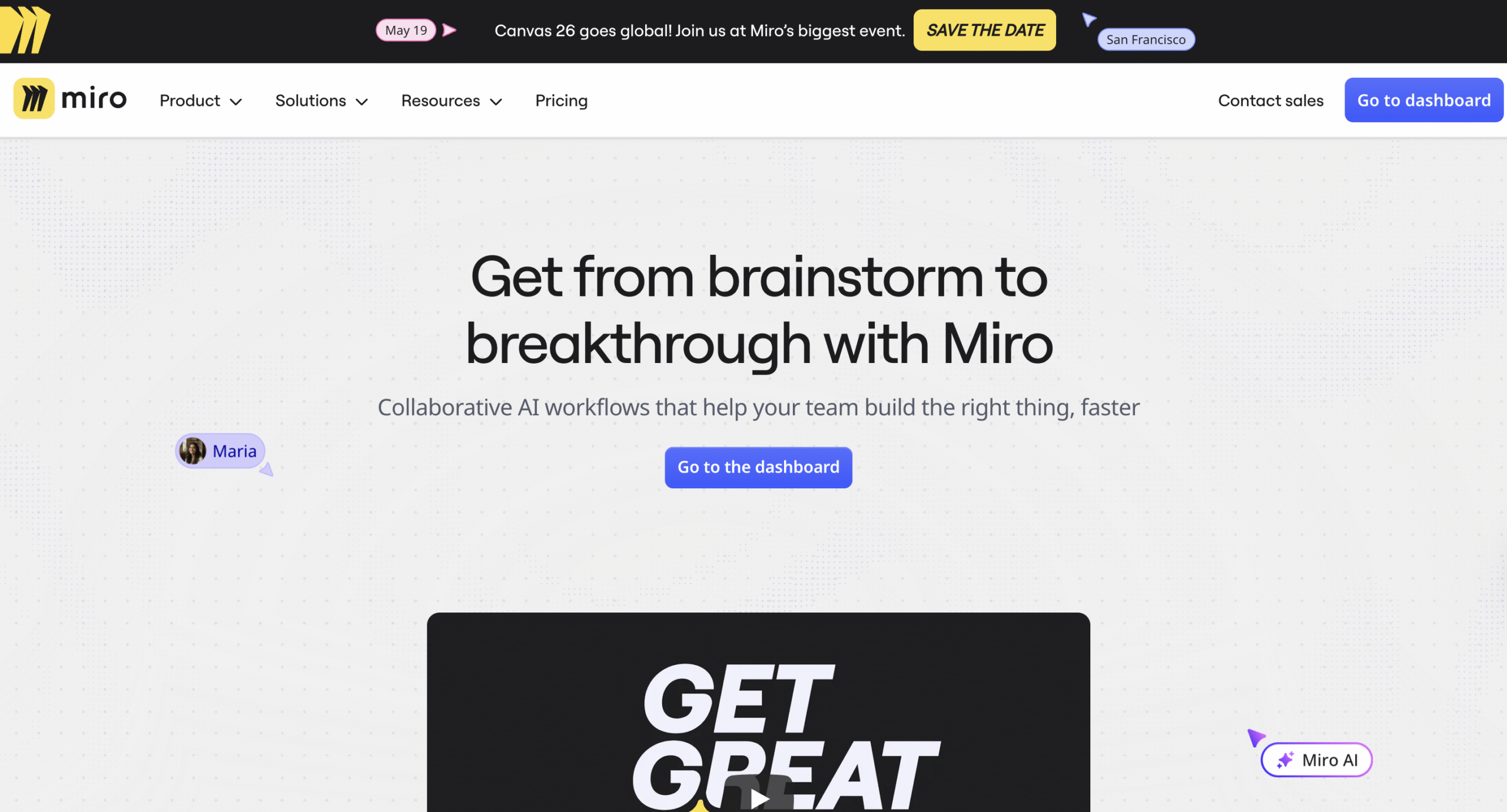
Best for: Visual qualitative synthesis workshops.
Miro is a flexible collaboration platform often used by UX teams for synthesis, ideation, and workshop-based research activities. Most notably, it supports visual workflows like affinity mapping, journey mapping, and insight clustering, which makes it effective for collaborative sense-making during research synthesis. While it’s not a dedicated UX research tool, many teams rely on Miro to bring qualitative insights together in a shared, visual space.
Main features
- Visual boards
- Collaboration
- Flexible templates
Pricing
Miro has a free plan, with paid Starter Plan starting at €8 per member per month, a Business Plan at €16 per member per month, and a custom Enterprise Plan.
Wrapping up
Looppanel is a strong qualitative analysis tool, but it’s not always enough on its own. Teams looking for better synthesis, long-term insight reuse, or tighter integration with UX research methods often turn to alternatives.
Combining a qualitative repository with an active UX research platform is often the most effective approach.
UXtweak fits naturally here by letting teams collect real user data and connect it directly to qualitative insights, all in one place.
Try UXtweak for free today and turn qualitative research into confident product decisions. 🐝