

AI UX research tools like Strella are changing how teams collect and understand user feedback compared to traditional, manual research workflows.
However, teams often start looking for Strella alternatives when they need more control over research quality, broader usability testing capabilities, or workflows that go beyond AI-moderated interviews.
This guide explores the best Strella alternatives in 2026, including AI-powered UX research platforms, usability testing tools, and research repositories that help teams balance speed, scalability, and research quality.
Why AI UX research tools are becoming so popular
AI UX research tools have become widely adopted because they significantly reduce the time required for repetitive research tasks such as transcription, tagging, and synthesis.
Instead of spending hours manually reviewing interviews, researchers can focus on interpreting findings and making product decisions faster.
However, AI tools still have clear limitations. They can oversimplify nuanced user behavior, miss contextual signals, or generate confident but unverified summaries.
This is why human oversight remains essential in UX research to maintain methodological rigor and trust in findings.
As Eduard Kuric explains:
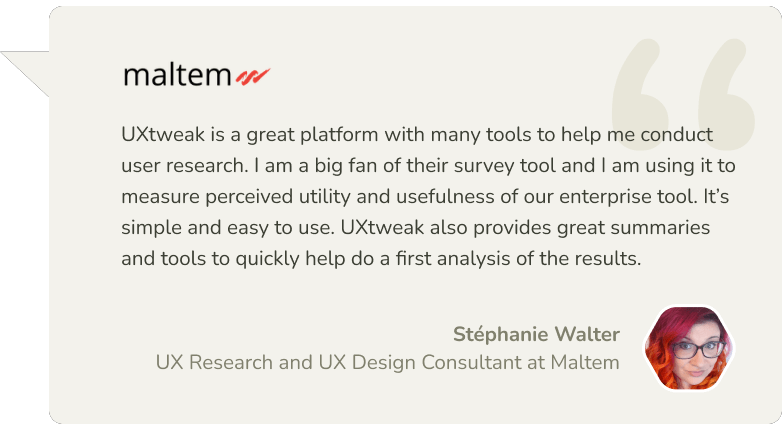
I oversee an innovations team at UXtweak that’s specifically focused on testing and implementing AI into the UX research platform, but in ways that are actually helpful. We’re being very deliberate about where AI can add value without compromising research quality.
As Debbie Levitt explains:
“I don’t want AI asking questions, running the session, being an interviewer, etc. You see so many posts on LinkedIn about people unhappy or angry that they had to do a job interview with an AI bot. Well… then do we want to send AI bots to do user interviews? I still say no on this one. Plus this is where our main qual data comes from. If it sucks, we’ve pretty much ruined our study, and we are unlikely to show the value of research, which we’re all under pressure to show.”
Top alternatives to Strella in 2026
Tool | Best for | Reviews | Pricing |
AI-assisted interview synthesis | 4.6/5 | ✗ No free plan Pro plan at $395 per month | |
end-to-end UX research (from prototypes to live products) | 4.8/5 | ✓ Free plan Business plan starts at $107/month | |
Research repositories and insight management | 4.5/5 | ✓ No free plan Pricing is available upon request | |
AI-powered qualitative analysis | 4.5/5 | ✓ Free plan Pricing is available upon request | |
Structured qualitative repositories | 4.6/5 | ✓ No free plan Lite starts at €15/ month, Business at €500/month | |
Product discovery and prototype testing | 4.5/5 | ✓ Free plan Custom Enterprise pricing | |
Enterprise customer feedback | 4.4/5 | ✓ No free plan Upon request, Starts at around $40,000/year | |
AI-moderated user interviews | N/A | ✓ No free plan Custom enterprise pricing | |
Remote qualitative research | 4.7/5 | ✓ No free plan Pricing is available upon request | |
AI-driven qualitative feedback | N/A | ✓ No free plan Custom enterprise pricing |
1. Looppanel
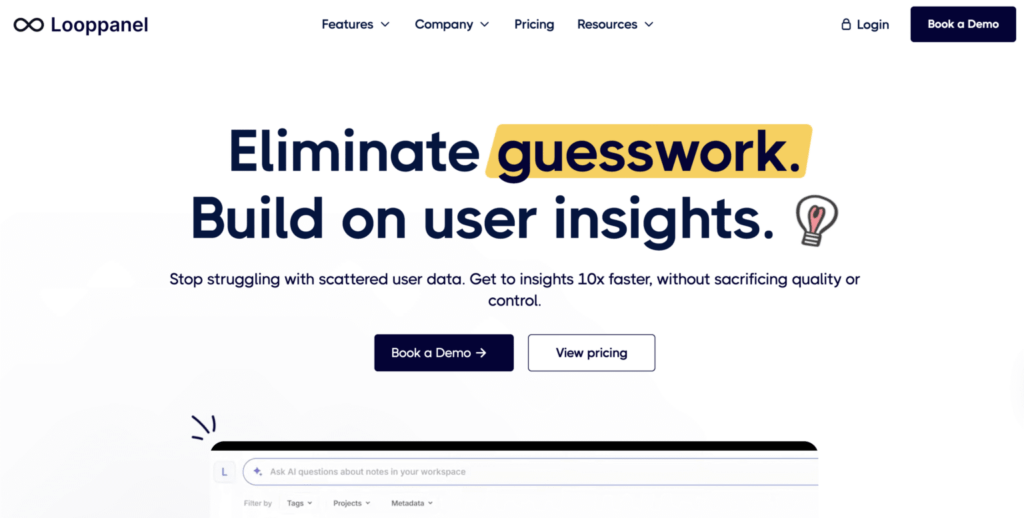
Best for: AI-powered qualitative research analysis and interview synthesis.
Looppanel is a UX research platform designed to help teams analyze user interviews quickly through automatic transcription, tagging, and AI-powered insights. It centralizes research data such as recordings, transcripts, and notes, enabling teams to identify patterns, generate themes, and share findings efficiently. Looppanel is especially suited for product and UX teams that conduct frequent interviews and need to speed up analysis workflows.
Main features
- AI transcription & analysis
- Interview recording & tagging
- Snippet and clip creation
- Research repository
- Collaboration & sharing tools
Pros
- Fast AI-powered analysis: Looppanel automatically transcribes and analyzes interviews, significantly reducing manual work.
- Easy to use: users highlight its intuitive interface and ability to extract insights without extensive setup or cleanup.
- Efficient insight sharing: snippet and clip sharing improves communication with stakeholders.
- Strong pattern detection: AI helps identify themes and trends across large volumes of qualitative data.
Cons
- Limited scope beyond interviews: primarily focused on interview analysis rather than full research lifecycle management.
- Pricing for teams: higher-tier plans can be costly for larger teams or organizations.
- Learning curve for advanced features: deeper AI workflows and tagging may take time to master.
- Less flexible for mixed-method research: not as strong for surveys or quantitative analysis.
Reviews
Based on the information provided by G2:
Overall Score – 4.6/5
Pricing
Looppanel offers a Pro plan at $395 per month, and a custom-priced Enterprise plan for larger teams that requires contacting sales.
Looppanel vs Strella
Looppanel focuses on post-interview synthesis rather than AI-led interviewing. Compared to Strella, it gives researchers more control over interpretation and is better suited for teams that prefer human-led moderation supported by AI analysis.
2. UXtweak
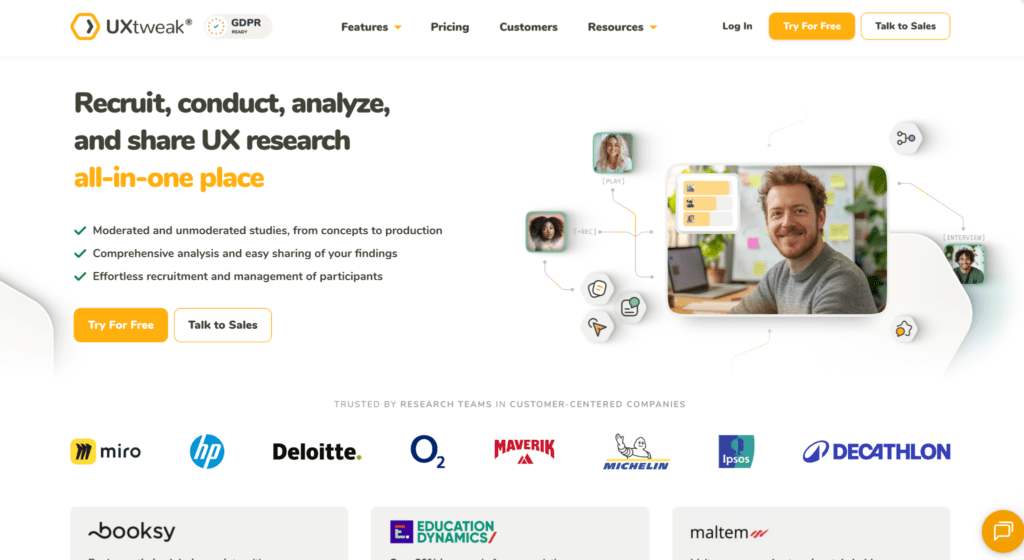
Best for: UX researchers and UX designers (holistic website and mobile usability testing)
UXtweak is an all-in-one UX research platform designed for usability testing, information architecture research, surveys, and prototype validation. It supports full product discovery workflows, and it’s particularly strong for teams who want to combine user feedback, behavioral data, and structured research methods in one place.
Main features
- Moderated Testing & User Interviews
- Tree Testing & Online Card Sort Tool (open, closed and hybrid)
- Prototype Testing (with Invision, Figma, and Axure integrations)
- Usability testing (for websites and mobile applications)
- Preference Testsing, Five Second Testing, First Click Testing
- Session Recording & Heatmaps tool
- Survey tool
Pros
- Numerous tools for various kinds of digital assets testing – all that Maze offers and more
- According to several G2 reviews, UXtweak offers exceptional customer service and has a responsive support staff that can solve any issue in a matter of hours
- Own Database to manage your own testers (equivalent to Reach at Maze) and an onsite recruiting widget to recruit your real users
- Panel of 155M+ participants worldwide (testers from 130 countries, 2000+ profiling attributes) with advanced panel targeting criteria available in all plans
- There is a free plan with no time limit
- User-Friendly Interface
Cons
- The platform’s frequent addition of complex features may pose a challenge for users
- UXtweak note: To address this, new tutorial videos are being produced.
Reviews
Based on the information provided by Capterra:
- Overall Score – 4.8/5
- Ease of Use – 4.7/5
- Customer Service – 5/5
- Value for money – 4.8/5
Pricing plans
UXtweak offers various pricing plans, each designed to suit different testing needs, including a no-cost option for smaller projects.
Free Plan (€0/month) – a great way to experiment with UX research tools at no cost. Includes access to all tools, 15 responses/month, 1 active study, and 14-day access to results.
Business Plan (€92/month, billed annually) – ideal for teams that require essential UX research tools and features for their projects. Includes 50 responses/month (upgradable), 1 active study (upgradable), unlimited tasks per study, 12-month data retention, reports and video exports.
Custom Plan (pricing upon request) – tailored for organizations with advanced research needs, providing unlimited active studies, customizable responses, live interviews, access to a global user panel and much more.
UXtweak vs Strella
UXtweak offers significantly broader research capabilities than Strella. While Strella focuses on AI-led interviews, UXtweak supports usability testing, behavioral analysis, and structured research workflows, ensuring stronger methodological control and higher research reliability.
3. Dovetail
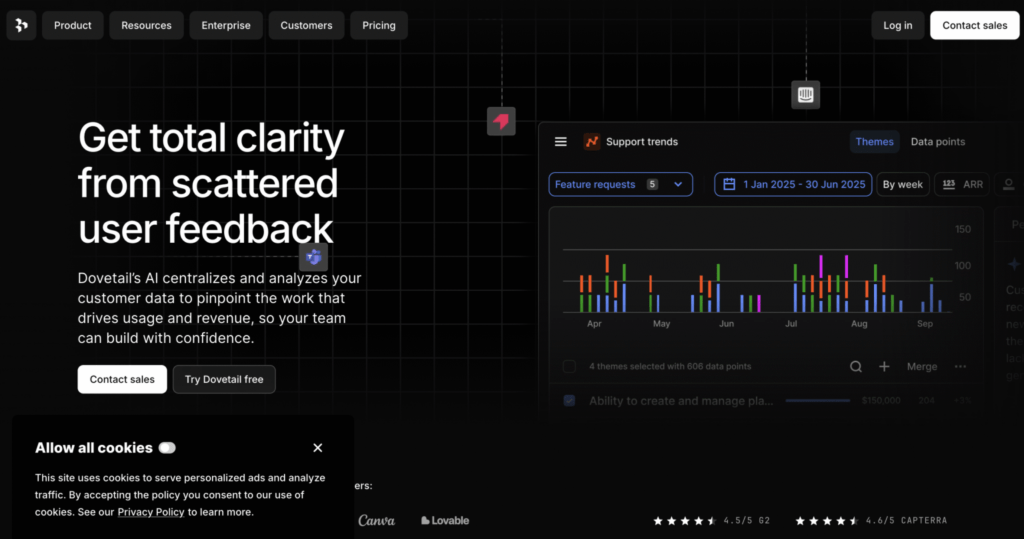
Best for: large-scale qualitative research repositories.
Dovetail is a widely used research repository built for organizing, tagging, and synthesizing qualitative data at scale. It combines transcription, highlights, and insight management in one place, making it easier for teams to turn interviews and notes into shareable findings. Dovetail works best for research-heavy teams that need a central system to manage large volumes of qualitative data across projects.
Main features
- Research repository
- Tagging and synthesis
- Collaboration features
Pros
- Efficient research repository: Dovetail centralizes all qualitative data – interviews, notes, and recordings – making it easy to organize, search, and retrieve insights in one place.
- AI-powered analysis: built-in AI features help summarize transcripts, identify themes, and generate insights quickly, reducing manual effort in qualitative analysis.
- Seamless collaboration: the platform enables teams to collaborate in real time, share highlights, and align on insights, improving cross-functional decision-making.
- Strong tagging & organization: flexible tagging systems and structured organization tools allow users to categorize data efficiently and uncover patterns across research projects.
Cons
- Limited quantitative capabilities: while excellent for qualitative research, Dovetail is less suited for handling quantitative data or advanced statistical analysis.
- Pricing for small teams: the cost structure may feel high for individuals or small teams with limited research needs.
- Learning curve for new users: despite its clean interface, mastering tagging systems, workflows, and analysis features can take time for beginners.
- Performance with large datasets: handling very large volumes of data (e.g., long transcripts or many files) can sometimes slow down performance or navigation.
Reviews
Based on the information provided by Capterra:
- Overall Score – 4.6/5
- Ease of Use – 4.6/5
- Customer Service – 4.7/5
- Value for money – 4.3/5
Pricing plans
Dovetail offers a free plan with core features available, along with a custom Enterprise plan for larger teams that need advanced controls, security, and scalability.
Dovetail vs Strella
Dovetail is stronger for long-term research knowledge management, while Strella focuses on live AI interviews. It is better suited for organizations building continuous research repositories.
4. Marvin
Best for: AI-powered qualitative research analysis and insight generation at scale.
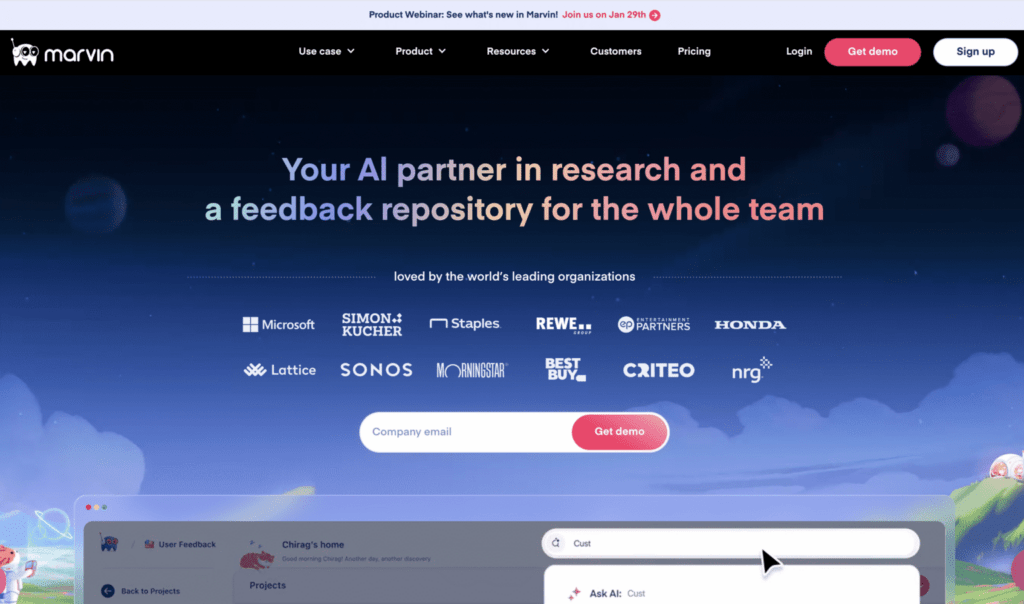
Marvin (HeyMarvin) is a user research platform designed to help teams analyze qualitative data quickly using AI. It centralizes interviews, notes, surveys, and documents in a single repository, then uses AI to tag, summarize, and extract insights automatically. Marvin is particularly useful for UX researchers and product teams running continuous research who want to speed up analysis and reduce manual effort.
Main features
- AI-powered qualitative analysis
- Research repository & knowledge hub
- Automatic transcription & summaries
- Tagging, themes, and insight extraction
- Survey analysis & integrations
Pros
- Powerful AI analysis: Marvin significantly reduces manual work by automatically summarizing transcripts and identifying themes.
- Centralized research repository: stores interviews, notes, and documents in one searchable system.
- Efficient insight generation: helps teams uncover patterns across large volumes of qualitative data quickly.
- Good collaboration tools: enables teams to share insights and work together in real time.
Cons
- Limited end-to-end research features: lacks built-in participant recruitment or usability testing tools.
- Pricing not transparent: most paid plans require contacting sales, making costs harder to estimate upfront.
- Learning curve: AI workflows and tagging systems may take time to fully understand.
- Dependent on data quality: insights rely heavily on the quality of uploaded research data.
Reviews
Based on the information provided by Capterra:
Overall Score – 4.8/5
Ease of Use – 4.9/5
Customer Service – 4.9/5
Value for money – 4.7/5
Pricing
Marvin offers a free plan at $0, while paid plans such as Standard and Enterprise are custom-priced based on team size and usage, with pricing available only upon request and typically requiring contact with sales.
Marvin vs Strella
Marvin is more focused on analysis than AI interviewing, making it better for continuous discovery workflows.
5. Condens
Best for: structured qualitative synthesis and research repositories built for research teams
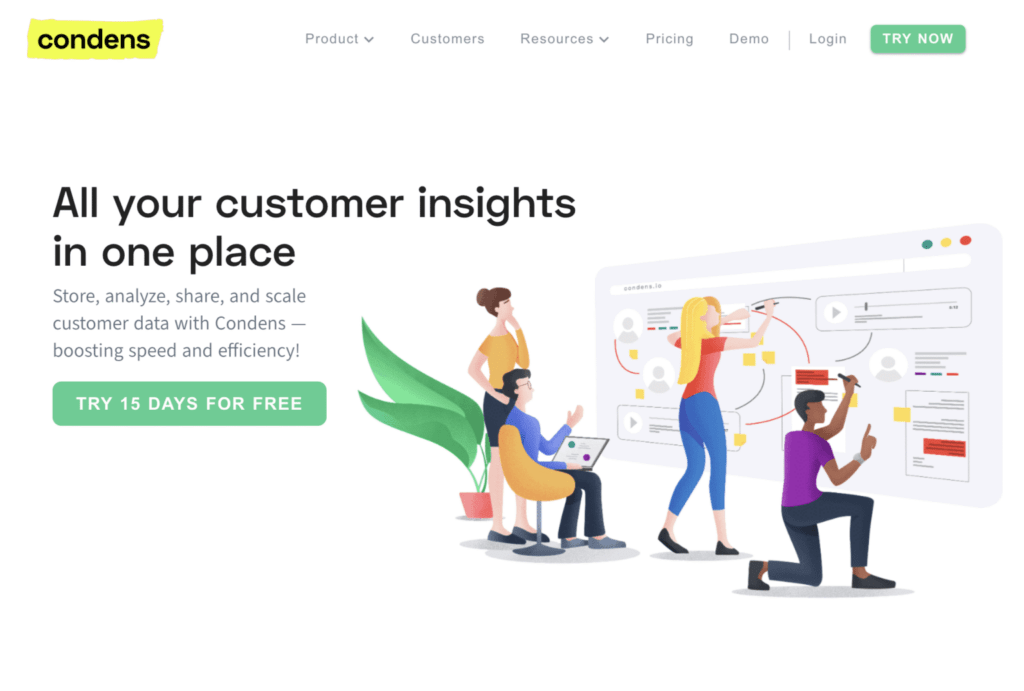
Condens is a widely recognized tool among experienced UX researchers, designed to transform raw research into reusable insights through structured coding, synthesis boards, and evidence-backed findings. It is valued for its clarity, transparency, and flexibility across various research methods, making it particularly well-suited for teams conducting continuous research programs.
Main features
- Qualitative coding and synthesis
- Insight libraries with evidence linking
- Collaboration and stakeholder sharing
- Strong ResearchOps support
Pros
- Strong repository functionality helps create a “single source of truth” for research
- Intuitive and clean interface appreciated by many users
- Automatic transcription and qualitative analysis tools save time
- Great for collaboration and sharing insights across teams
- Fast and responsive customer support according to user reviews
Cons
- Not a full usability testing platform (no built-in participant recruitment or task-based testing)
- Limited support for quantitative research and metrics
- Transcription accuracy can sometimes require manual correction
- Tagging and organization can become complex in large projects
- Pricing may be high for larger teams or scaling organizations
Reviews
Based on 7 user reviews provided by Capterra:
Overall Score – 5.0/5
Ease of Use – 4.9/5
Customer Service – 5.0/5
Pricing plans
Condens offers a Lite Plan for €15 per month, a Business Plan starting at €500 per month, and a custom Enterprise Plan.
Condens vs Strella
Condens focuses on structured synthesis, while Strella focuses on automated interviews.
6. Maze
Best for: product teams that need rapid, unmoderated prototype testing and quantitative design validation at scale
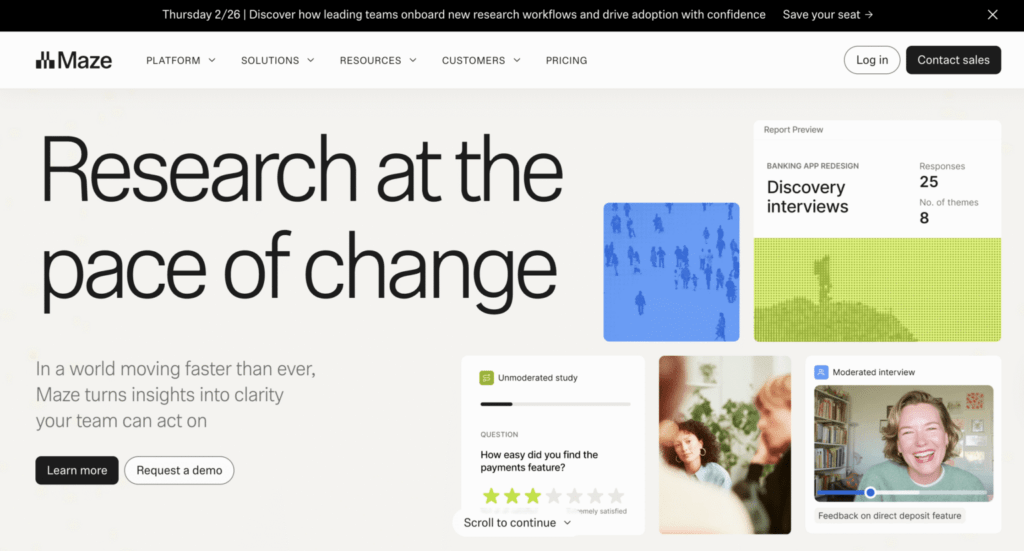
Maze is a user research platform that provides tools for conducting different types of user research, such as prototype and live website testing, surveys, interviews, card sorting, and tree testing.
Main features
- Prototype Testing
- Live Website Testing
- Surveys
- Interview Studies
- Card Sorting
- Tree Testing
Pros
- Easy integration with design tools: users appreciate how Maze integrates seamlessly with tools like Figma, making prototype testing straightforward.
- Diverse question types: the platform offers a variety of qualitative and quantitative questions.
- Effective prototype testing: Maze is highly regarded for its prototype testing capabilities, allowing quick setup and execution.
- User-friendly survey creation: Maze makes survey construction easy, offering users both control and simplicity.
- Data organization: responses can be easily converted into an Excel format, aiding in better data management and tracking.
Cons
- Learning curve: new users, especially those unfamiliar with user testing platforms, may find Maze challenging to learn and navigate.
- Prototype stability issues: users have reported frequent crashes, particularly with mobile prototypes, affecting the reliability of test results.
- Limited conditional logic: there’s a desire for more sophisticated question logic to build detailed tests without overwhelming participants.
- Report customization: users wish for more flexibility in editing and combining reports, finding the current options limiting.
- Email campaign manager: the tool is considered clunky, with emails often landing in spam folders, reducing the effectiveness of participant recruitment efforts.
- Test participant reliability: there are instances of test participants not fully committing to tests, with a notable number dropping out or exiting the test prematurely, despite compensation.
Reviews
Based on the information by Capterra:
- Overall Score – 4.5/5
- Ease of Use – 4.3/5
- Customer Service – 3.8/5
- Features – 4.2/5
Pricing plans
- Free Plan: basic features with limited functionality.
- Starter Plan: $99/month ($1,188/year).
- Organization Plan: custom pricing for larger teams with extensive research needs.
Maze vs Strella
Maze is stronger for usability validation, while Strella is focused on interviews.
7. UserTesting
Best for: video-first testing
UserTesting was among the first sites for unmoderated testing. According to their data, there are more than 1.5 million testers in their panel, which usually ensures rapid responses. Product teams have access to a complex platform with a variety of choices for doing and evaluating user testing and gaining valuable insights.
Main features
- Website testing
- Mobile application testing
- Prototype testing (integrations with many design tools)
- Card sort & Tree test
- Preference test
- 5 second test
- Survey tool
- 1:1 interviews with testers
Pros
- Communication with your testers while they are on your website is made possible through controlled user testing
- A substantial sample of participants for your experiment
- Advanced targeting – one of the features that customers love the most is the ability to more precisely target their potential clients for research thanks to the vast participant pool
- Instant insights – you got all the facts as soon as you could because there were so many replies
Cons
- Weak analytical tools – users have complained that the automatic reports they provide are difficult to understand for people who aren’t scholars (e.g. shareholders)
- Limited diversity among testers – despite the platform’s excellent tester pool, several customers reported difficulty finding research subjects who spoke languages other than English.
- You must pay to bring your own testers
- Reports with problems – some users say that it is difficult to understand and assess UserTesting findings, which makes it difficult to quickly compress data
Reviews
Based on the information by Capterra:
- Overall Score – 4.5/5
- Ease of Use – 4.4/5
- Customer Service – 4.4/5
- Value for money – 4.5/5
Pricing plans
Upon request, starting at around $40,000/year. Free trial/freemium is also available upon request.
UserTesting vs Strella
UserTesting is stronger for behavioral insights and large-scale validation.
8. Outset
Best for: AI-moderated user interviews and rapid qualitative research at scale
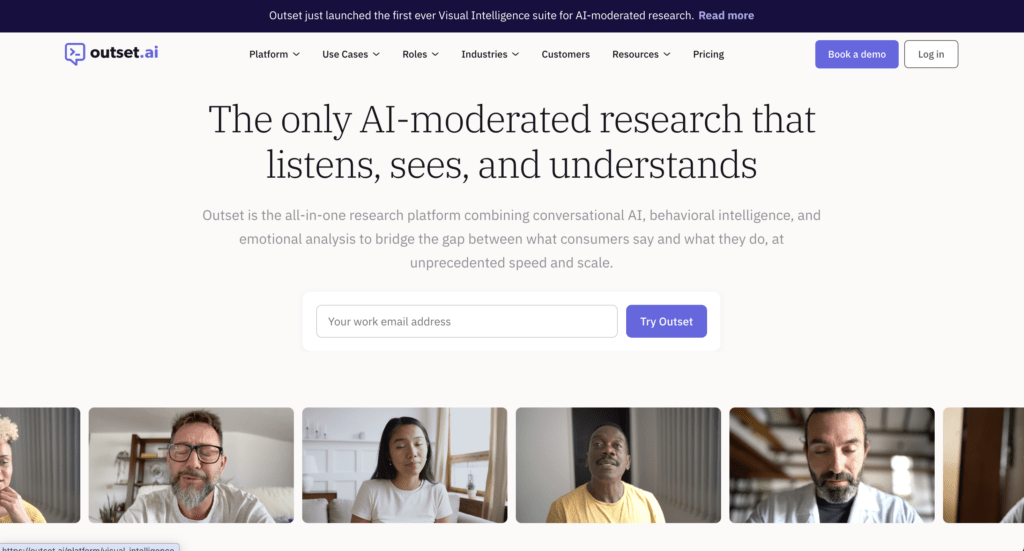
Outset is an AI-native UX research platform that conducts interviews using AI moderators and automatically synthesizes findings. It is designed to help teams collect qualitative insights faster by automating participant conversations and reducing manual analysis work.
Main features
- AI-moderated interviews
- Automated follow-up questioning
- AI-generated summaries and insights
- Research repository and reporting
Pros
- Highly scalable qualitative research
- Reduces moderation workload
- Fast synthesis and reporting
- Useful for exploratory research studies
- Enables larger participant sample sizes
Cons
- Less researcher control during interviews
- AI may miss contextual nuances
- Follow-up questions can feel less natural than human moderation
- Requires validation of AI-generated findings
- Limited usability testing capabilities
Reviews
There are currently no G2/Capterra reviews.
Pricing plans
Outset utilizes an enterprise subscription model that costs approximately $20,000 annually per seat.
Outset vs Strella
Outset is one of the closest competitors to Strella because both platforms focus on AI-moderated interviews and automated synthesis. Teams comparing the two are typically evaluating differences in AI interviewing capabilities, analysis workflows, and research scalability.
9. Discuss.io

Best for: end-to-end qualitative research with live interviews and global collaboration.
Discuss.io is a comprehensive qualitative research platform that enables teams to run live video interviews, focus groups, and asynchronous studies in one place. It supports the full research lifecycle – from recruiting and interviewing to analysis – making it especially valuable for enterprise research teams working across global markets. The platform also incorporates AI-powered tools to speed up insight generation and synthesis.
Main features
- Live video interviews & focus groups
- Asynchronous research (self-paced studies)
- AI-powered analysis tools
- Global research capabilities (multi-language support)
- Participant and project management
Pros
- All-in-one research platform: Discuss.io supports the entire research lifecycle, reducing the need for multiple tools.
- Strong global capabilities: features like live translation and multilingual support enable research across international markets.
- High-quality video research: users highlight reliable video interviews and focus group functionality comparable to conferencing tools.
- AI-enhanced insights: built-in AI helps speed up analysis and extract insights more efficiently from qualitative data.
Cons
- Complexity for new users: the platform’s breadth of features can require time to fully learn and adopt.
- Pricing transparency: costs are not clearly listed and typically require contacting sales for tailored plans.
- Overkill for small teams: smaller teams may find it too feature-heavy compared to simpler tools.
- Occasional technical issues: some users report connectivity or usability issues during sessions.
Reviews
Based on the information provided by Capterra:
Overall Score – 4.7/5
Ease of Use – 4.8/5
Customer Service – 4.5/5
Value for money – 4.6/5
Pricing
Discuss.io offers custom pricing based on team size and needs, with plans requiring you to contact sales, though some listings indicate starting pricing from around $89 per user (one-time).
Discuss.io vs Strella
Discuss gives researchers greater control over moderation and participant interactions. While Strella emphasizes AI-led interviewing, Discuss supports a wider range of researcher-led qualitative methods while still accelerating analysis with AI.
10. Listen Labs
Best for: AI-powered customer interviews and rapid feedback collection
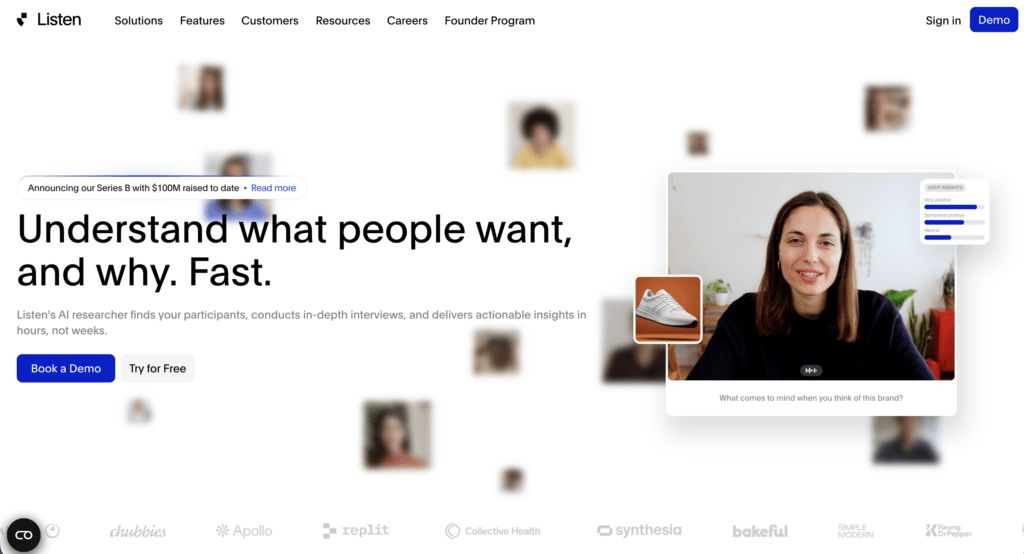
Listen Labs uses AI agents to conduct customer interviews and synthesize findings automatically. It is designed for teams that want to collect qualitative insights quickly without scheduling traditional moderated interviews.
Main features
- AI-led interviews
- Automated insight generation
- Rapid participant feedback collection
- Research summaries and reporting
Pros
- Extremely fast feedback collection
- Minimal operational overhead
- Scalable qualitative research
- AI-generated summaries save time
- Useful for exploratory discovery
Cons
- Relatively new platform
- Smaller ecosystem than established competitors
- Less proven in enterprise environments
- AI moderation may miss important context
- Limited research method diversity
Reviews
Public review data remains limited due to the platform’s relatively recent market presence.
Pricing plans
There are currently no G2/Capterra reviews.
Listen Labs vs Strella
Listen Labs and Strella share a similar AI-first philosophy, using AI moderators to collect and analyze qualitative feedback. Listen Labs may appeal to teams looking for a newer, highly automated approach to customer interviewing and rapid insight generation.
Wrapping up
Strella reflects the shift toward AI-driven UX research, where interviews and synthesis are increasingly automated.
While this improves speed and scalability, most UX teams still require tools that balance automation with strong methodological control, usability testing, and behavioral validation.
This is where UXtweak, Looppanel, Dovetail, and other alternatives play a critical role. They allow teams to benefit from AI efficiency while maintaining research quality, transparency, and control over interpretation.
Among them, UXtweak stands out for combining AI-supported workflows with usability testing, behavioral analysis, and researcher-led validation in a single platform.
Try UXtweak for free today and see how real users experience your product. 🐝





📌 Top 3 Strella alternatives at a glance: