


What is Preely?
Preely is a usability testing tool focused on prototype validation, helping teams gather feedback on early designs before development. It’s particularly useful for testing flows and interactions quickly without requiring a live product.
However, many teams start looking for alternatives when they need more advanced analytics, broader testing methods, or better scalability across multiple research projects.
In this guide, we compare Preely alternatives based on user reviews, feature versatility, pricing, and overall usability testing capabilities.
Tool | Reviews | Best for | Pricing |
4.8/5 | end-to-end UX research (from prototypes to live products) | ✓ Free plan Business plan starts at $107/month | |
prototype testing | ✓ Free plan Custom Enterprise pricing | ||
prototype testing | ✓ Free plan Starts around $67 per month (billed annually) | ||
first-click testing | ✓ Free plan Basic Plan starts at $75/month | ||
mobile app testing (iOS & Android) | ✗ No free plan Upon request, Starts at around $40,000/year | ||
user interviews | ✗ No free plan Pay-as-you-go pricing structure | ||
enterprise UX testing | ✗ No free plan Upon request, starts at $70,000/year | ||
card sorting | ✗ No free plan Starter plan costs $2388/year, billed only annually | ||
usability testing | ✗ No free plan Rapid insights plan starts at $199/month – billed monthly | ||
behavior analytics (heatmaps & recordings) | ✓ Free plan Plus plan starts at $39/month |
UXtweak
Best for: UX researchers and UX designers (holistic website and mobile usability testing)
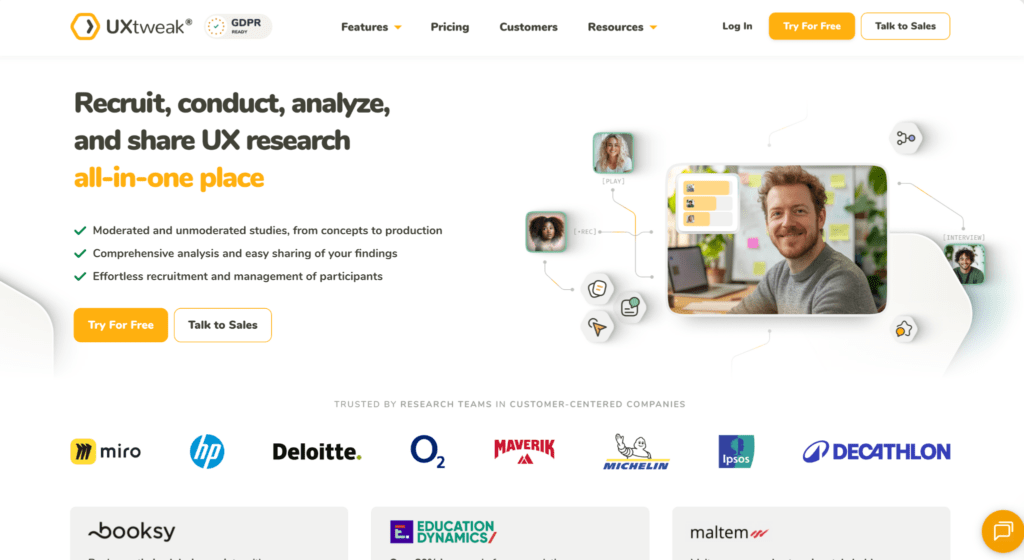
UXtweak is an all-in-one UX research platform designed for usability testing, information architecture research, surveys, and prototype validation. Unlike Wynter, which focuses mainly on message testing, UXtweak supports full product discovery workflows.
It’s particularly strong for teams who want to combine user feedback, behavioral data, and structured research methods in one place.
Features
- Moderated Testing & User Interviews
- Tree Testing & Online Card Sort Tool (open, closed and hybrid)
- Prototype Testing (with Invision, Figma, and Axure integrations)
- Usability testing (for websites and mobile applications)
- Preference Testsing, Five Second Testing, First Click Testing
- Session Recording & Heatmaps tool
- Survey tool
Try UXtweak’s A/B Testing and Session Recording tools yourself! 🔽

Pros
- Numerous tools for various kinds of digital assets testing – all that Maze offers and more
- According to several G2 reviews, UXtweak offers exceptional customer service and has a responsive support staff that can solve any issue in a matter of hours
- Own Database to manage your own testers (equivalent to Reach at Maze) and an onsite recruiting widget to recruit your real users
- Panel of 155M+ participants worldwide (testers from 130 countries, 2000+ profiling attributes) with advanced panel targeting criteria available in all plans
- There is a free plan with no time limit
- User-Friendly Interface
Cons
- The platform’s frequent addition of complex features may pose a challenge for users
- UXtweak note: To address this, new tutorial videos are being produced.
Reviews
Based on the information provided by Capterra:
- Overall Score – 4.8/5
- Ease of Use – 4.7/5
- Customer Service – 5/5
- Value for money – 4.8/5
Pricing plans
UXtweak offers various pricing plans, each designed to suit different testing needs, including a no-cost option for smaller projects.
Free Plan (€0/month) – A great way to experiment with UX research tools at no cost. Includes access to all tools, 15 responses/month, 1 active study, and 14-day access to results.
Business Plan (€92/month, billed annually) – Ideal for teams that require essential UX research tools and features for their projects. Includes 50 responses/month (upgradable), 1 active study (upgradable), unlimited tasks per study, 12-month data retention, reports and video exports.
Custom Plan (Pricing upon request) – Tailored for organizations with advanced research needs, providing unlimited active studies, customizable responses, live interviews, access to a global user panel and much more.
Why choose UXtweak over Preely?
UXtweak goes beyond prototype validation by enabling continuous user research across the product lifecycle. It’s a better fit for teams that need both testing and deeper analysis in one platform. 🐝

Maze
Best for: product teams that need rapid, unmoderated prototype testing and quantitative design validation at scale
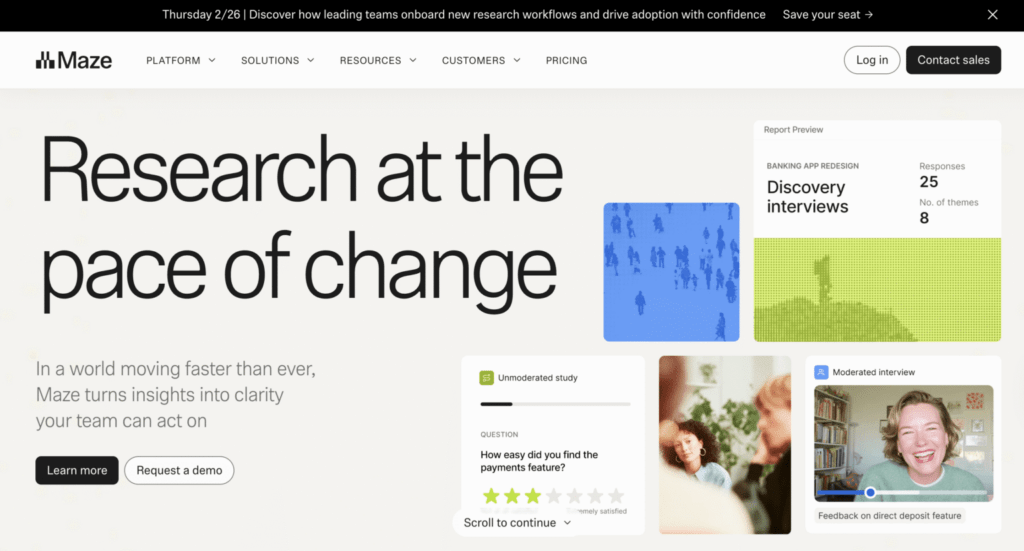
Maze is a user research platform that provides tools for conducting different types of user research, such as prototype and live website testing, surveys, interviews, card sorting, and tree testing.
Features
- Prototype Testing
- Live Website Testing
- Surveys
- Interview Studies
- Card Sorting
- Tree Testing
Pros
- Easy Integration with Design Tools: Users appreciate how Maze integrates seamlessly with tools like Figma, making prototype testing straightforward.
- Diverse Question Types: The platform offers a variety of qualitative and quantitative questions.
- Effective Prototype Testing: Maze is highly regarded for its prototype testing capabilities, allowing quick setup and execution.
- User-Friendly Survey Creation: Maze makes survey construction easy, offering users both control and simplicity.
- Data Organization: Responses can be easily converted into an Excel format, aiding in better data management and tracking.
Cons
- Learning Curve: New users, especially those unfamiliar with user testing platforms, may find Maze challenging to learn and navigate.
- Prototype Stability Issues: Users have reported frequent crashes, particularly with mobile prototypes, affecting the reliability of test results.
- Limited Conditional Logic: There’s a desire for more sophisticated question logic to build detailed tests without overwhelming participants.
- Report Customization: Users wish for more flexibility in editing and combining reports, finding the current options limiting.
- Email Campaign Manager: The tool is considered clunky, with emails often landing in spam folders, reducing the effectiveness of participant recruitment efforts.
- Test Participant Reliability: There are instances of test participants not fully committing to tests, with a notable number dropping out or exiting the test prematurely, despite compensation.
Reviews
Based on the information provided by Capterra:
- Overall Score – 4.5/5
- Ease of Use – 4.3/5
- Customer Service – 3.8/5
- Value for money – 4.1/5
Pricing
- Free Plan: Basic features with limited functionality.
- Starter Plan: $99/month ($1,188/year).
- Organization Plan: Custom pricing for larger teams with extensive research needs.
Why choose Maze over Preely?
Maze offers stronger analytics and tighter integration into product discovery workflows, making it more suitable for data-driven teams.
Useberry
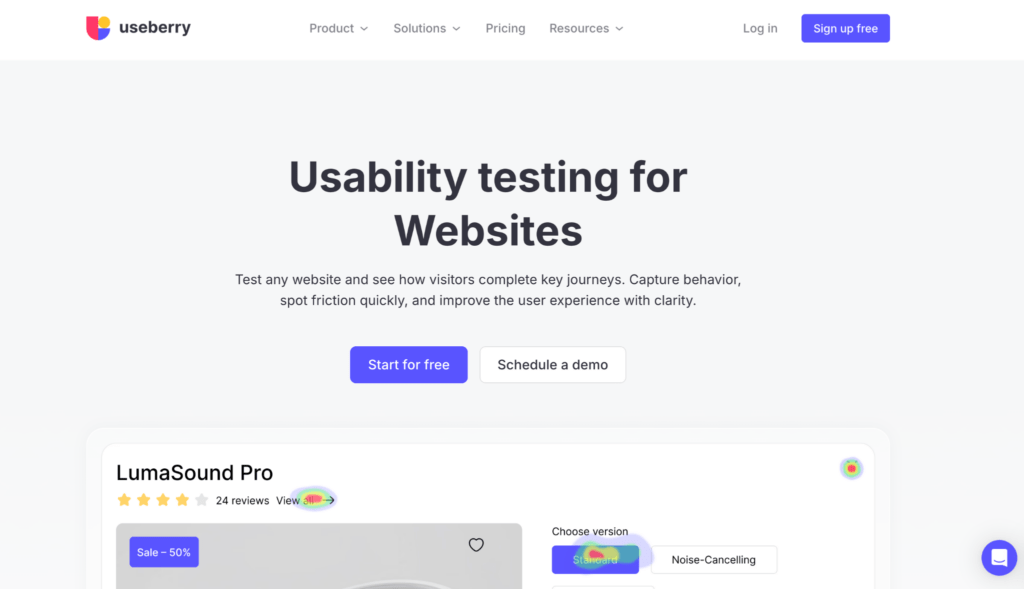
Best for: UI/UX designers who need rapid, unmoderated usability testing directly integrated with their favorite design tools
Useberry is a user-testing platform specifically optimized for the design phase, allowing teams to turn static prototypes into clickable, data-rich studies. It bridges the gap between design and development by providing visual insights like heatmaps and user flows before a product is even built.
Features
- Direct Prototyping Integrations (Figma, Adobe XD, Sketch, ProtoPie)
- Visual Behavioral Analytics (Heatmaps and Click Tracking)
- Comprehensive Testing Suite (5-second tests, First Click, Card Sorting, and Tree Testing)
- Session Recordings & Video Feedback
- Targeted Participant Recruitment
Pros
- Seamless design tool sync that updates prototypes in the test environment instantly.
- Highly visual reporting including detailed heatmaps and clickmaps for every screen.
- Large global panel with over 100 targeting characteristics for quick recruitment.
- User-friendly interface that allows for very fast study setup and launch.
Cons
- Pricing can be steep for smaller teams or freelancers compared to basic survey tools.
- Moderate learning curve to master complex logic jumps and advanced test structures.
- Limited qualitative depth for long-form moderated interviews compared to specialized platforms.
- No “save as draft” feature for test scenarios, which can lead to lost work during setup.
Reviews
Based on the information provided by G2:
- Overall Score – 4.3/5
Pricing plans
Starts around $67 per month (billed annually) for individual and growth tiers; includes a free-forever version for a single project. Enterprise plans are available upon request.
Why choose Useberry over Preely?
Useberry simplifies prototype testing workflows, especially for teams working heavily within design tools.
UsabilityHub (now Lyssna)
Best for: surveys
UsabilityHub, now Lyssna, is a remote user research platform that employs a variety of research methodologies to deliver immediate input on the customer experience of your digital products.
Features
- First Click Test
- Survey
- Preference Test
- Five Second Test
- Interviews
- Prototype testing
Pros
- When it comes to running surveys or obtaining data the user-friendly interface gives a lot of flexibility
- Design evaluations and preference tests are particularly useful for coming up with proposals for improving existing websites and gaining feedback on mock-ups of recommended alterations.
- 340K user panel
Cons
- There are no video answers of unmoderated tests available
- Poor diversity of respondents – Customers have complained that it is difficult to find qualified testers in non-English-speaking countries
- Returning to multiple setup processes and finding that information you have already entered is missing
Reviews
Based on the user ratings provided by Capterra.
- Overall Score – 4.6/5
- Ease of Use – 4.6/5
- Customer Service – 4.4/5
- Value for money – 4.3/5
Pricing plans
- Free Plan: $0/month (3 seats, 2-min tests, 15 self-recruited responses).
- Basic Plan: $75/month (3 seats included, 10-seat max, 5-min tests).
- Pro Plan: $175/month (5 seats included, 15-seat max, unlimited test lengths).
- Enterprise Plan: Custom pricing with unlimited seats and features (contact sales).
Why choose Lyssna over Preely?
Lyssna is better for fast, low-effort validation when speed is more important than depth.
UserTesting
Best for: Video-first testing
UserTesting was among the first sites for unmoderated testing. According to their data, there are more than 1.5 million testers in their panel, which usually ensures rapid responses. Product teams have access to a complex platform with a variety of choices for doing and evaluating user testing and gaining valuable insights.
Features
- Website testing
- Mobile application testing
- Prototype testing (integrations with many design tools)
- Card sort & Tree test
- Preference test
- 5 second testSurvey tool
- 1:1 interviews with testers
Pros
- Communication with your testers while they are on your website is made possible through controlled user testing
- A substantial sample of participants for your experiment
- Advanced targeting – One of the features that customers love the most is the ability to more precisely target their potential clients for research thanks to the vast participant pool
- Instant insights – You got all the facts as soon as you could because there were so many replies
Cons
- Weak analytical tools – Users have complained that the automatic reports they provide are difficult to understand for people who aren’t scholars (e.g. shareholders)
- Limited diversity among testers – Despite the platform’s excellent tester pool, several customers reported difficulty finding research subjects who spoke languages other than English.
- You must pay to bring your own testers
- Reports with problems – Some users say that it is difficult to understand and assess UserTesting findings, which makes it difficult to quickly compress data
Reviews
Based on the information by Capterra:
- Overall Score – 4.5/5
- Ease of Use – 4.4/5
- Customer Service – 4.3/5
- Value for money – 4.5/5
Pricing plans
Upon request, starting at around $40,000/year. Free trial/ Freemium is also available upon request.
Why choose UserTesting over Preely?
UserTesting is better suited for large organizations that require scale, participant access, and advanced testing capabilities.
PlaybookUX
Best for: rapid recruiting and analyzing video-based feedback on prototypes
PlaybookUX is a user research platform that helps teams gather insights through usability testing, surveys, and interviews. It simplifies participant recruitment and data analysis, enabling better design and product decisions.
Features
Pros
- Unlimited Participants: Collect feedback from an unlimited number of users through unmoderated tests.
- Flexible Plans: Offers pay-as-you-go and subscription options.
- Comprehensive Features: Supports recruitment, moderated and unmoderated studies, card sorting, and tree tests.
Cons
- Lack of In-Tool Analysis: PlaybookUX needs in-tool charts for post-study analysis, like customer sentiment analysis.
- Analytic Details: Requires more detailed analytics and comparison with previous tests.
- Technical Issues: Users have faced non-working prototype links and communication difficulties.
- Platform Bugs: Many bugs reported, causing frustration and extra time troubleshooting.
Reviews
Based on the information by Capterra, please note that the rating is based on just 7 reviews:
- Overall Score – 5/5
- Ease of Use – 5/5
- Customer Service – 5/5
- Value for money – 5/5
Pricing plans
- Pay as You Go: No subscription needed, starting at $59 per participant.
- Grow Plan: $267 per month (billed annually) or $290 per month (billed monthly).
- Scale Plan: $450 per month (billed annually) or $490 per month (billed monthly).
- Enterprise Plan: Custom pricing available.
Why choose PlaybookUX over Preely?
PlaybookUX supports multiple research methods, making it more versatile for teams running different types of studies.
UserZoom (now part of UserTesting)
Best for: frequent moderated studies
UserZoom is a user feedback platform for doing enterprise-level user experience research and testing. It may be applied to testing websites and prototypes, tracking the activities of remote testers, doing market research, and other activities. They offer both moderated and unmoderated tests and depending on your demands, you may add a range of additional features to your plan.
Features
- Click testing
- Surveys
- Website Usability Testing
- User interviews
- QX score (analytics tools)
- Card sorting
- Tree Testing
- Participant recruitment
- Live intercept
Pros
- Varied toolkit
- UserZoom is one of the few companies having the capacity to perform benchmarking
- Countless screening questions
Cons
- Problems with website usability
- Pricey – Because UserZoom is primarily a platform for large organizations, their pricing plans can be out of your price range if you’re on a tight budget
- Can be difficult to use – The platform’s user interface could seem a little perplexing and unintuitive to a complete novice
Reviews
Based on the information provided by Capterra:
- Overall Score – 4.4/5
- Ease of Use – 4.5/5
- Customer Service – 4.7/5
- Value for money – 4.6/5
Pricing plans
- Upon request, starting at around $70,000/year.
- No free trial / freemium is available.
Why choose UserZoom over Preely?
UserZoom is a better fit for enterprise teams needing advanced capabilities and scalability.
Optimal Workshop (now Optimal)
Best for: card sorting and tree testing
Optimal Workshopused to be a solid research tool, but one that’s lost much of its appeal over time. While it still provides five basic research methods, the platform has become less competitive – its prices have increased, yet several features have been removed or limited. What was once a more well-rounded tool now feels stripped down, making it a less compelling choice for those looking for value and versatility in their user research toolkit.
Features
- Card sorting
- Tree Testing
- First Click Testing
- Surveys
- Qualitative insights
Pros
- Simple recruiting from their user panel of 50+ million users
- Quick feedback on your design
- Simple and intuitive user interface – Many people have praised Optimal Workshop for how simple and smooth the survey setup process is, which is unquestionably a crucial advantage that customers are seeking for
Cons
- No free or monthly plan option
- Expensive plans for what it is
- Limited research methods (mostly focused on IA tools)
- Performance issues, when working with bigger studies
- Lacking advanced survey features
- Low-quality responses from participants
Reviews
Based on the information by Capterra:
- Overall Score – 4.4/5
- Ease of Use – 4.0/5
- Customer Service – 5.0/5
- Value for money – 4.3/5
Pricing plans
Starter plan: $2388/year, billed only annually.
Enterprise Plan: customized pricing solutions are available upon request.
Why choose Optimal Workshop over Preely?
Despite its drawbacks, Optimal Workshop can be a better choice when focusing specifically on navigation and information architecture.
Loop11
Best for: UX researchers and product managers who need a blend of quantitative metrics and qualitative video feedback without high enterprise costs
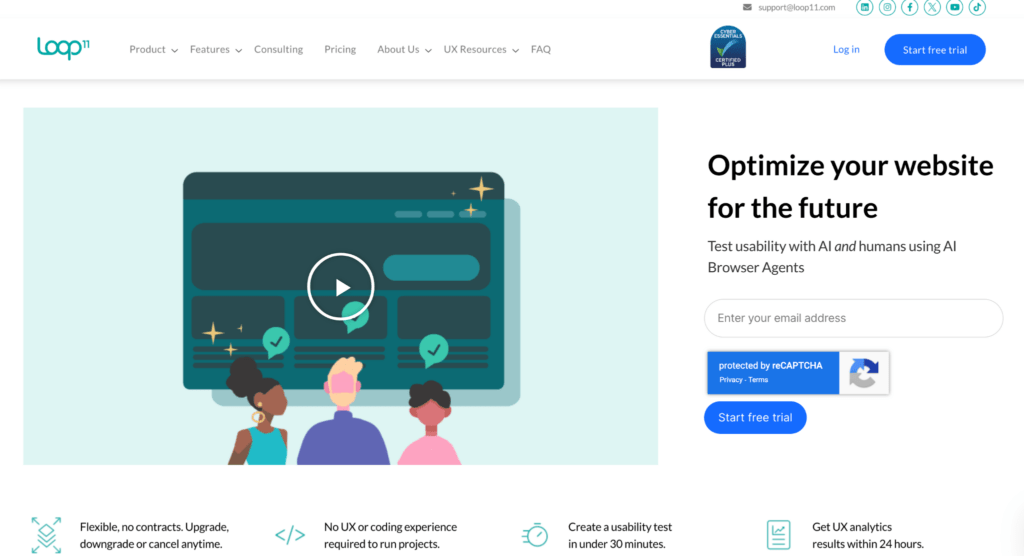
Loop11 is a veteran remote usability testing platform that specializes in gathering both “what” users do and “why” they do it. It allows teams to run unmoderated and moderated studies on live websites, prototypes, and mobile apps, providing automated data like success rates and time-on-task alongside narrated videos. Known for its “no-code” setup, it enables researchers to quickly launch benchmark studies and clickstream analyses to identify friction points in the user journey.
Features
- Hybrid Testing Capabilities
- Advanced Information Architecture Tools
- AI-Powered Insights
- Visual Analytics
- Bring Your Own Participants
Pros
- Effortless Project Creation: Loop11’s built-in AI project creator streamlines project setup with detailed tasks, activities, and questions, ensuring swift customization and launch.
- Smooth Data Collection: The platform seamlessly collects data, providing prompt mapping of results with detailed analytics like heatmaps and navigation paths.
- Intuitive Interface: Loop11 offers an intuitive interface equipped with all necessary features for UI/UX studies, enhancing user experience.
Cons
- Limited Flexibility in Pricing: Some users with adhoc projects may find Loop11’s subscription model costly, preferring a pay-as-you-use plan for better cost-effectiveness.
- Initial Learning Curve: New users may experience challenges initially in getting accustomed to Loop11’s interface and functionalities, requiring some time and effort to master.
- Lack of Advanced Functionalities: While Loop11 offers a comprehensive set of features, some users feel that advanced functionalities could be added to cater to diverse testing needs.
- Minor Lags: At times, the platform experiences minor lags, affecting real-time test execution and result generation.
Reviews
Based on the information by Capterra, please note that this score is based on just 2 reviews:
- Overall Score – 4.5/5
- Ease of Use – 4.5/5
- Customer Service – 5/5
- Value for money – 4/5
Pricing
- Rapid Insights: Quick and affordable user insights for small projects. Annual Billing: $179/month ($2,148/year). Monthly Subscription: $199/month.
- Pro (Most Popular): Advanced features for larger teams, up to 10 projects per month. Annual Billing: $358/month ($4,296/year). Monthly Subscription: $399/month.
- Enterprise (Best Value): Unlimited projects and participants, advanced security features, personalized support. Annual Billing: $533/month ($6,396/year). Monthly Subscription: $599/month.
Why choose Loop11 over Preely?
Loop11 is a better choice than Preely because it supports live website testing and moderated sessions, whereas Preely is strictly focused on unmoderated testing for prototypes.
Hotjar
Best for: visualizing user behavior with heatmaps
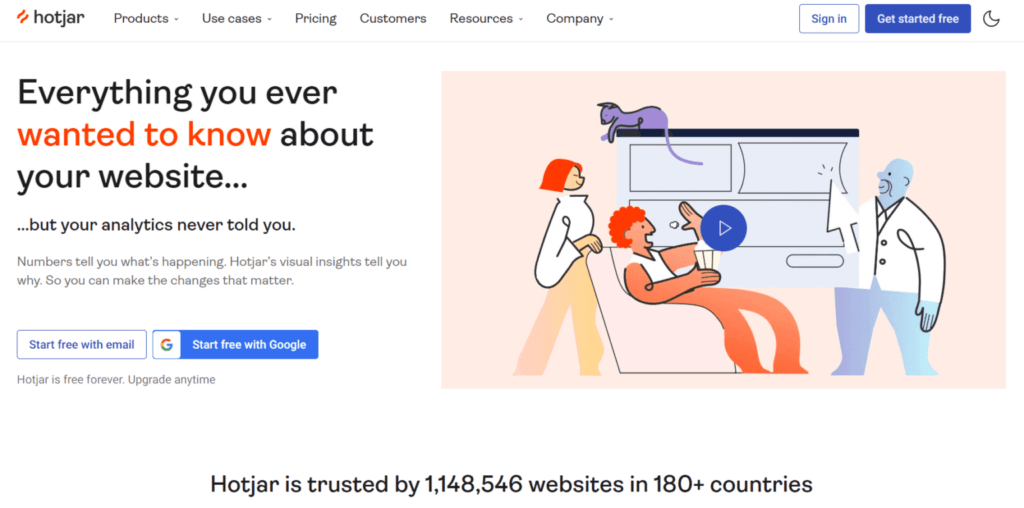
User feedback platform Hotjar is a great alternative to Maze, albeit with slightly different features. As part of its product experience insights offering, Hotjar provides behavior analytics and feedback data to assist you in understanding and empathizing with your consumers. You can better understand what’s occurring on your site and why, however, it is not a traditional user research software that offers usability testing.
Features
- Heatmaps
- Recordings
- Surveys
- Feedback surveys
Pros
- Implementation and installation are easy
- Without any storage limitations, Hotjar will store all of your surveys and their findings
- Outstanding customer service
- Great heatmaps and session recording tool – track customer journeys to find out which elements have received the most clicks, rage clicks, or dead clicks
Cons
- The usefulness of the free plan is simply average
- Problems with analytics tools – Some clients have expressed dissatisfaction with the difficulties they encountered while using analytics services to organize and analyze research data
- No tools for prototype and website testing like Maze offers
Reviews
Based on the information provided by Capterra:
- Overall Score – 4.6/5
- Ease of Use – 4.6/5
- Customer Service – 4.5/5
- Value for money – 4.4/5
Pricing plans
- Free: $0/month (Up to 35 daily sessions, unlimited heatmaps, and 1-month data access).
- Plus: $32/month (Starts from 100 daily sessions, funnels, 13-month data access, frustration scores, and more integrations).
- Business: $80/month (Starts from 500 daily sessions, journey analysis, advanced heatmaps, precision filtering).
- Enterprise: $171/month (Starts from 500 daily sessions, includes digital experience monitoring, unlimited projects in a region, and extended data retention).
Why choose Hotjar over Preely?
Hotjar is the better choice for analyzing live user behavior at scale, as it captures “always-on” heatmaps and recordings from your actual website traffic rather than just isolated prototype tests.
Wrapping up
Preely is a strong tool for quick prototype validation, but many teams outgrow it as their research needs expand. Its alternatives offer broader testing capabilities, deeper insights, and better integration into product workflows.
This is where UXtweak truly shines.
It combines usability testing, card sorting, tree testing, prototype testing, surveys, and much more in one platform, equipping researchers with precise behavioral data that cuts through the noise of subjective user opinions.
Try UXtweak for free today and see how your users truly behave! 🐝




📌 Top 3 best alternatives at a glance:
UXtweak – UXtweak has exceptional ratings on both G2 (4.7/5) and Capterra (4.8/5), and is recommended for its broad mix of usability testing, surveys, and prototype validation tools that support full UX research workflows. UXtweak has a forever free plan, and a Business plan starting at €92/month.
Maze – Maze scores around 4.5/5 on G2 and Capterra and is praised for intuitive design and strong integration with design tools, making it efficient for rapid prototype validation and early product feedback. Custom Enterprise pricing is available, alongside a free plan.
User Interviews – User Interviews holds solid user ratings (around 4.3–4.5/5) for ease of use and high-quality recruitment support, suited for teams that need flexible participant sourcing for custom research. Pricing is available upon request, starting at around $40,000/year.