

Qualitative research has evolved from a specialized discipline into a more accessible and widely adopted practice. As development cycles accelerate, maintaining the depth and quality of qualitative insights remains essential.
In this article, we highlight the top 10 online qualitative research tools and platforms that help researchers, designers, and business leaders balance speed with high quality insight generation.
Let’s jump in!
Key factors in choosing a qualitative research tool
With so many platforms available, choosing the right qualitative research tool can quickly become overwhelming.
To make this easier, we evaluated each tool in this list based on three key factors that directly impact both the quality of insights and the speed of research.
These include:
- Coding and querying capabilities
- Collaboration features
- Data visualization
Together, these aspects determine how effectively teams can extract meaning from qualitative data while keeping up with fast-paced product development cycles.
In the following sections, we break down why each of these factors matters and highlight tools that excel in each area.
🧠 Coding and querying
Coding and querying are at the core of extracting meaningful insights from qualitative data.
Strong coding capabilities allow researchers to systematically tag, categorize, and organize large volumes of unstructured data such as interview transcripts or open-ended responses.
Querying then enables teams to quickly identify patterns, themes, and relationships across datasets, which is essential for generating reliable insights.
Without these features, researchers risk relying on surface-level observations rather than deep, evidence-based conclusions.
At the same time, modern tools need to balance depth with efficiency, enabling faster analysis without sacrificing quality.
Tools like UXtweak and Recollective stand out in this area, offering advanced analytics and AI-supported data processing that streamline coding while preserving insight quality.
🤝 Collaboration
Collaboration features are essential in today’s cross-functional research environment, where insights need to be shared quickly across teams.
Product managers, designers, marketers, and researchers often work together, and a good tool should make it easy for all stakeholders to access, review, and contribute to findings.
Features like shared workspaces, live observation rooms, commenting, and role-based permissions help ensure that insights are aligned and actionable.
Efficient collaboration not only improves decision-making but also reduces bottlenecks in the research process. This is especially important in fast-moving teams where delays in sharing insights can slow down development cycles.
Platforms like Discuss.io and itracks excel here, offering dedicated spaces for observers and stakeholders to engage without disrupting the research process.
📈 Visualisation
Data visualization plays a crucial role in transforming complex qualitative data into clear, actionable insights.
Visual elements such as dashboards, heatmaps, and video highlights help teams quickly grasp key findings without needing to go through raw data manually.
This significantly speeds up the decision-making process while making insights more accessible to non-research stakeholders.
Effective visualization also improves storytelling, allowing researchers to communicate findings in a compelling and easy-to-understand way.
In a fast-paced environment, the ability to instantly interpret and present insights can be a major competitive advantage.
Tools like UserTesting and UXtweak perform particularly well in this area, offering intuitive visual outputs that make qualitative data easier to analyze and share.
Top 10 online qualitative research tools
Tool | Rating | Best for | Pricing |
End-to-end UX research (from prototypes to live products) | ✓ Free plan Business plan starts at $107/month | ||
AI interview analysis | ✗ No free plan Pro plan starts at $395/month | ||
Enterprise research programs | ✗ No free plan Pricing is available upon request | ||
Live interview collaboration | ✗ No free plan Pricing is available upon request | ||
User feedback | ✗ No free plan Upon request, Starts at around $40,000/year | ||
Asynchronous research communities | ✗ No free plan Live plan starts at $475/month | ||
AI video insights | ✗ No free plan Pricing is available upon request | ||
Mobile diary research | ✗ No free plan Pricing is available upon request | ||
Remote ethnographic studies | ✗ No free plan Pricing is available upon request | ||
Qualitative data analysis | ✓ Free plan Free plan with custom Enterprise options |
1. UXtweak
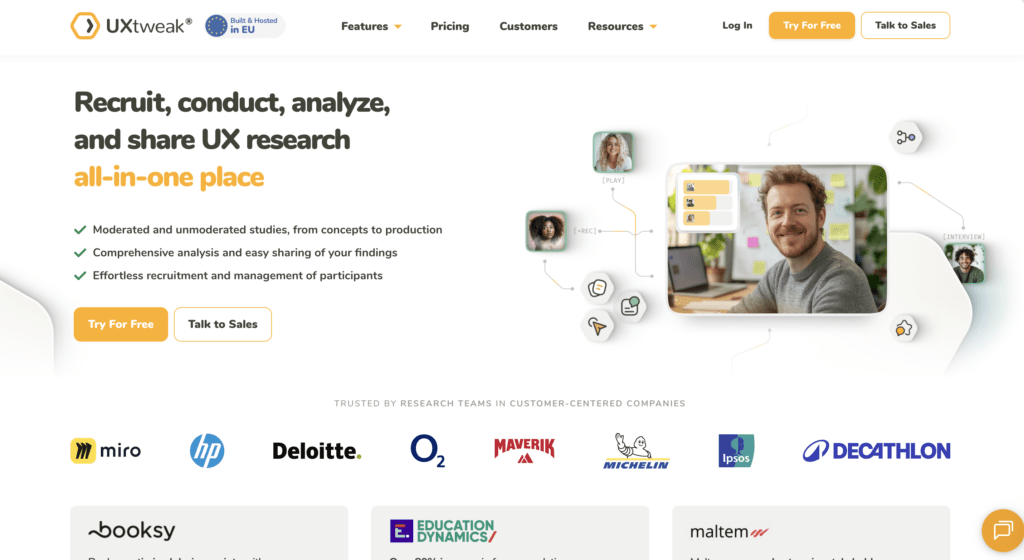
UXtweak is a comprehensive, all-in-one qualitative research platform. It offers features for user interviews, moderated research sessions such as moderated prototype, web, and app usability testing, session replays, heatmaps, and is perfect for actionable product insights.
It stands out by strongly supporting coding, visualisation, and collaboration. With this qualitative research tool, you can take time-stamped notes during and after interviews, create video highlights with tags and descriptions, and even create short video reels to visualize research insights for stakeholders. You can also export and share your research in various formats or invite your team members to collaborate on the project directly in UXtweak.
UXtweak has been commonly praised for its support team. And if you need to recruit participants for your research, UXtweak’s User Panel will handle it for you.
Main features
- Live Interviews
- Session Recording & Heatmaps
- Mobile Testing
- Surveys
- First Click Test
- Website Testing
- Card Sorting & Tree Testing
- Preference test
- Prototype testing
- Five Second Test
Try UXtweak’s survey tool in these demos ⬇️


Pros
- All the tools you need for qualitative research in one place
- Access a vast User Panel with panelists from over 130 countries
- You can use UXtweak’s Onsite Recruiting Widget to find study participants straight from your website or app
- It’s straightforward to set up and use
- Advanced analytics
- You can create your own database of trusted testers within UXtweak for future projects
- UXtweak provides top-notch customer support
- Free plan available
Cons
- UXtweak only supports 14 languages
Reviews
UXtweak has a 4.8/5 overall rating on Capterra, with users consistently praising its ease of use (4.7/5), exceptional customer support (5/5), and comprehensive set of research tools, often highlighting it as one of the most complete and user-friendly qualitative research platforms available.
“We have used this platform in a UX Design course and the experience has been very good. We have mainly used it for information architecture projects (card sorting, tree testing, …), and the tools it incorporates are extremely useful. It even allows recording remote sessions and having everything integrated. The analysis part is also quite comprehensive. The support from the company is also very good.“ – Carles B.
Pricing & plans
UXtweak offers various pricing plans, each designed to suit different testing needs, including a no-cost option for smaller projects.
Free Plan (€0/month) – A great way to experiment with UX research tools at no cost. Includes access to all tools, 15 responses/month, 1 active study, and 14-day access to results.
Business Plan (€92/month, billed annually) – Ideal for teams that require essential UX research tools and features for their projects. Includes 50 responses/month (upgradable), 1 active study (upgradable), unlimited tasks per study, 12-month data retention, reports and video exports.
Custom Plan (Pricing upon request) – Tailored for organizations with advanced research needs, providing unlimited active studies, customizable responses, live interviews, access to a global user panel and much more.

2. Looppanel
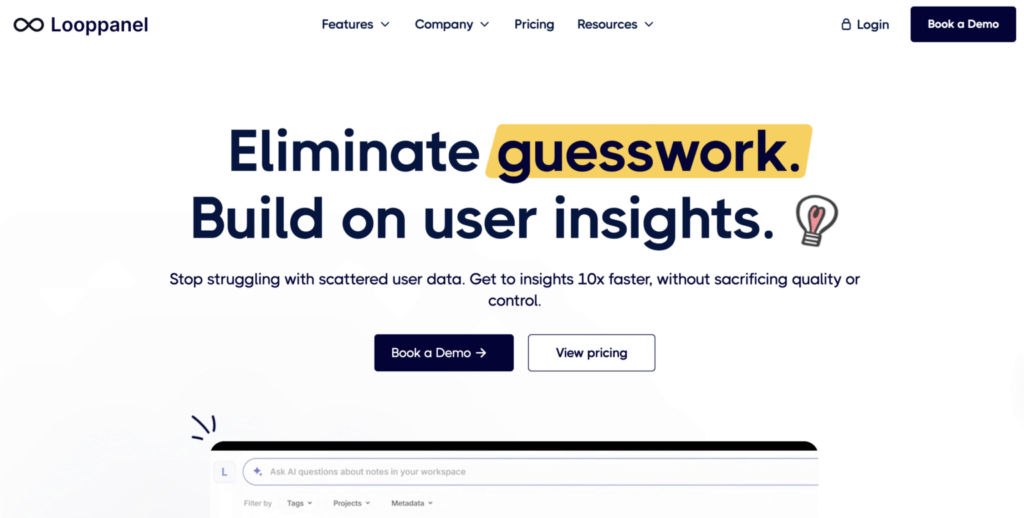
Looppanel combines a research repository with AI‑enabled features such as automatic transcription, theme detection, and smart search across recorded interviews and feedback. It supports live note‑taking and shareable insights.
Main features
- AI-powered transcription, tagging, and summarisation
- Smart search across interviews and qualitative data
- Live note-taking and collaborative insight sharing
- Clip creation for evidence-based reporting
Pros
- Fast, AI-driven analysis significantly reduces manual work
- Clean and modern user interface compared to older tools
- Automatically generates summaries, tags, and key insights
- Great for organizing and centralizing research data
- Works well with interviews conducted via Zoom and other tools
Cons
- No built-in participant recruitment panel
- Not a full usability testing platform (no task-based testing)
- AI-generated insights still require manual validation
- Limited support for quantitative analysis
Reviews
With an overall rating of 4.6/5, Looppanel is highly rated for its ease of use and efficiency, with users particularly praising its AI-powered analysis and intuitive interface. However, some note the need for manual validation of insights.
“Looppanel is building a really good product. The AI features are great and speed a lot of our analysis process. The AI research report takes day out of my projects!” – Inis L.
Pricing & plans
The Pro plan starts at $395/month, with a custom Enterprise plan available for larger teams.
💡 Pro Tip
AI is transforming qualitative research, but relying on it blindly is a mistake. Our AI in UX Research report shows that 66.4% of researchers already use AI, mainly for summarising and analysis.
However, teams still rely on human validation, as AI often misses nuance and can misinterpret user intent. Over-reliance leads to shallow insights, so the best teams use AI as support, not a replacement for critical thinking. Read the full AI in UX Research report here.
3. Forsta

Forsta is a research platform that combines qualitative and quantitative methods, with a strong focus on customer and employee experience. It goes beyond surveys by offering tools like Digital Diaries, video interviews, and virtual focus groups, enabling teams to collect rich, real-time feedback. The platform is best suited for larger organizations that need to manage research at scale.
Main features
- Video interviews and virtual focus groups
- Digital Diaries for longitudinal qualitative research
- Real-time reporting and dashboards
- Multimedia feedback collection (audio, video, images)
Pros
- Flexible research methods combining qual and quant approaches
- Easy-to-build dashboards for reporting insights
- Strong onboarding and support for enterprise teams
Cons
- Requires some technical knowledge to set up and manage
- Performance issues can affect user experience
- Less intuitive compared to more modern UX research tools
Reviews
Forsta has an overall rating of 4.2/5 on Capterra, with users highlighting helpful support and solid functionality, while noting lower ease of use (3.9/5) and occasional performance issues.
“I have really enjoyed learning the Forsta platform so far. It has many options in the survey builder for question types, logic, and custom code. The reporting dashboard also seems very customizable and great.” – Daniel F.
Pricing & plans
Forsta does not publicly list pricing, with plans available upon request depending on company needs.
4. Discuss.io
Discuss.io is a qualitative research platform focused on live interviews and real-time insight generation. It enables researchers to conduct video interviews, engage with participants directly, and analyse feedback as it happens. The platform is designed for teams that need to collaborate closely during research, offering dedicated spaces for moderators, observers, and stakeholders.
Main features
- Live video interviews with real-time interaction
- Observer rooms for team collaboration
- Session recording and playback
- AI-supported transcription and insights
Pros
- Strong collaboration setup with separate roles for participants and stakeholders
- Easy to run and manage live research sessions
- Responsive and helpful support team
Cons
- Downloading large video files can be difficult
- Performance issues such as lag can disrupt sessions
- Limited depth in post-research analysis compared to dedicated analysis toolse lag.
Reviews
Discuss.io holds a 4.7/5 overall rating on Capterra, with high scores for ease of use (4.8/5) and strong support (4.5/5), though some users mention performance issues during sessions.
“My overall experience with Discuss.io is great. I love using this and it’s like Zoom but on the technical edge in quote for me as my point of view.“ – Steven N.
Pricing & plans
Discuss.io doesn’t publicly show their plans, but you can request a quote.
5. UserTesting
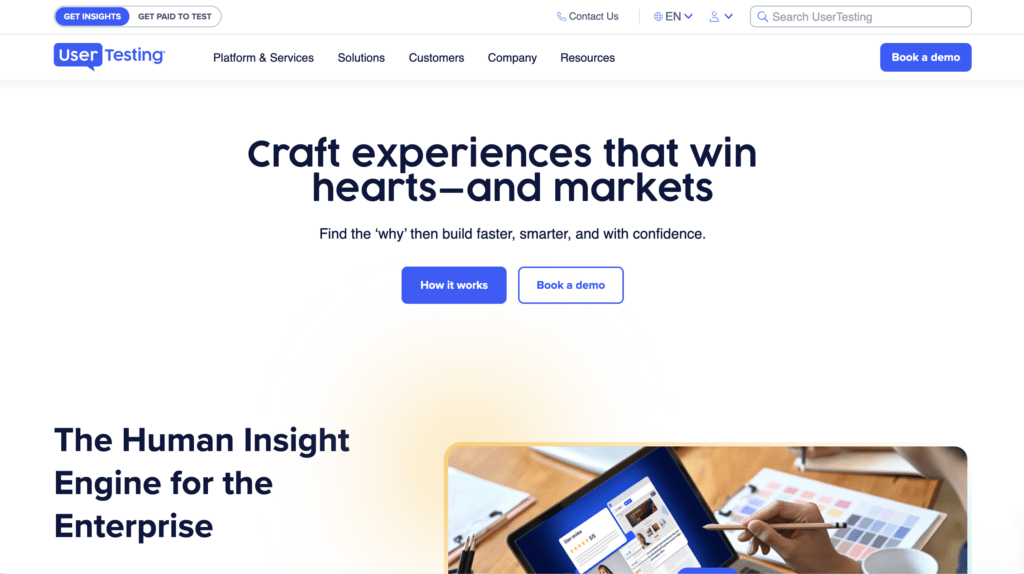
UserTesting focuses on using videos to assess user experience (UX). It caters to UX design, digital product development, marketing, and UX research teams.
This online qualitative research tool lets you see how real users interact with your product or website. UserTesting lets you recruit participants, conduct tests, analyze the data, and create clear data visualizations – all supported by AI.
Main features
- Video-based usability testing with real user interactions
- Large participant panel with targeted recruitment
- Session recordings with transcripts and highlight reels
- AI-powered analysis and insight summarisation
Pros
- Very fast turnaround time for collecting user feedback
- Large and diverse participant panel
- Easy to set up and run tests
- Strong visualisation through video and highlight reels
Cons
- Expensive and lacks transparent pricing
- Limited depth in qualitative analysis compared to dedicated tools
- Some concerns about participant quality and reliability
- Less flexibility in structuring complex studies
Reviews
UserTesting holds an overall rating of around 4.5/5 on platforms like Capterra, with users praising its speed, ease of use, and access to participants, while commonly pointing out high costs and limitations in deeper analysis.
“A decent option for moderated usability testing. If you ignore the more experimental features, it’s got everything you need.” – Julian H.
Pricing & plans
UserTesting doesn’t publicly show their plans, but you can request a quote.
6. Recollective
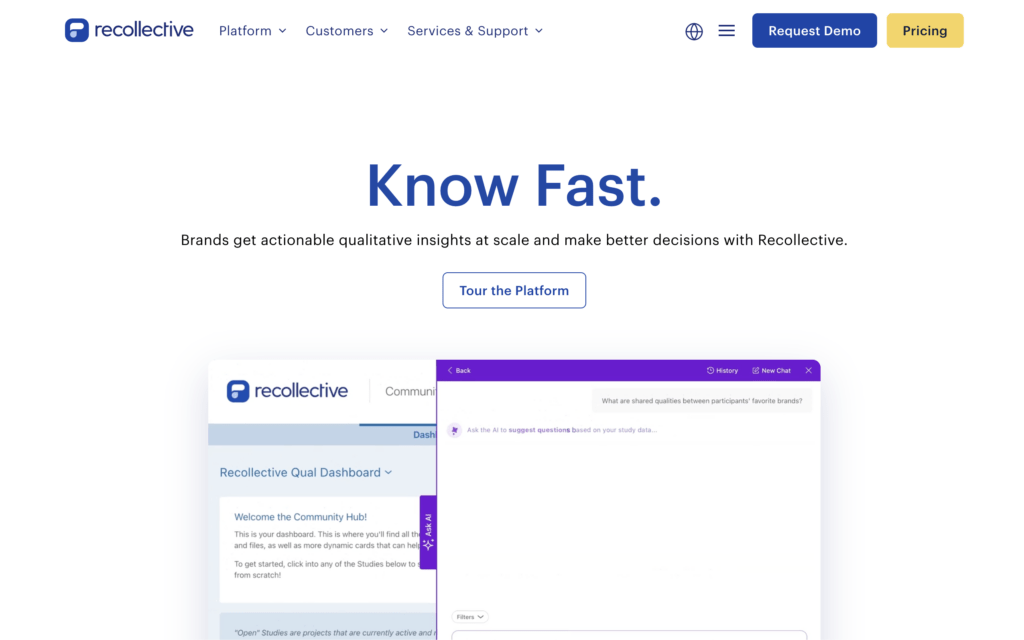
Recollective is a qualitative research platform designed for both live and asynchronous studies. It enables teams to run in-depth research such as concept testing, diary studies, and ongoing feedback collection, all within a structured environment. With built-in AI support for analysis and reporting, it helps streamline the process of turning large volumes of qualitative data into actionable insights.
Main features
- Asynchronous and live video-based research
- AI-supported analysis and reporting
- Participant management and research communities
- Data visualisation and insight dashboards
Pros
- User-friendly for both researchers and participants
- Intuitive setup and flexible study design
- Strong support for ongoing and large-scale qualitative research
Cons
- Reporting and transcription can be complex
- Slower to deploy compared to lighter tools
- Interface can feel less modern than newer platforms
Reviews
Recollective has a 4.7/5 overall rating on Capterra, with users praising its ease of use (4.7/5) and excellent support (4.8/5), while noting some complexity in reporting and setup.
“Overall positive experience as a user and also from the participants. Also very much appreciated the online support. They answered any question very fast and offered a project pre launch check to make sure we had no issues.“ – Vince F.
Pricing & plans
The Live plan starts at $475/month, the Qual Live + Async plan costs $750/month, and the Connect plan is priced at $1,250/month.
7. Voxpopme
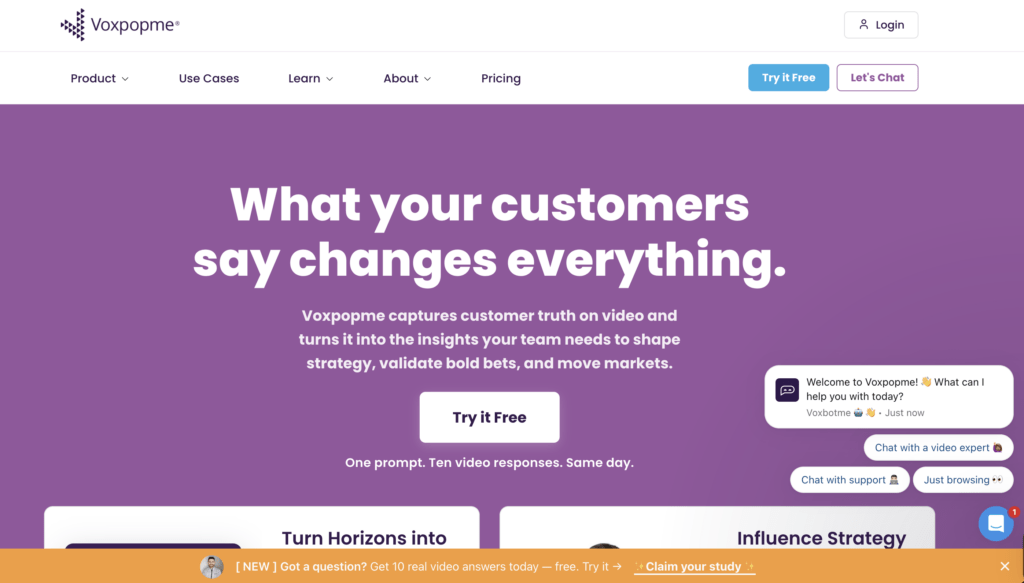
Voxpopme is a qualitative research platform that leverages AI to simplify video-based feedback collection and analysis. It supports methods like video surveys, live interviews, and focus groups, making it easy to capture authentic customer responses. With built-in AI capabilities, the platform automates tasks like summarisation and reporting, helping teams turn raw feedback into insights faster.
Main features
- Video surveys and live interviews
- AI-powered analysis and automated reporting
- Participant panel and recruitment tools
- Multi-channel feedback collection
Pros
- Strong AI capabilities for fast analysis and reporting
- Intuitive and easy-to-use interface
- Efficient for collecting and sharing video-based insights
Cons
- Limited interactivity compared to some research platforms
- Embedding widgets into surveys can be difficult
- Less depth in advanced qualitative analysis workflows
Reviews
Voxpopme has a 4.4/5 overall rating on Capterra, with users highlighting its ease of use (4.6/5) and excellent support (4.7/5), while noting some limitations in interactivity.
“Its been an overall positive platform in terms of getting deeper qual insights using the video playback. Easy to use interface. Overall a valuable tool.“ – Tiffany A.
Pricing & plans
Pricing is available upon request, and a free trial is available.
8. Dscout
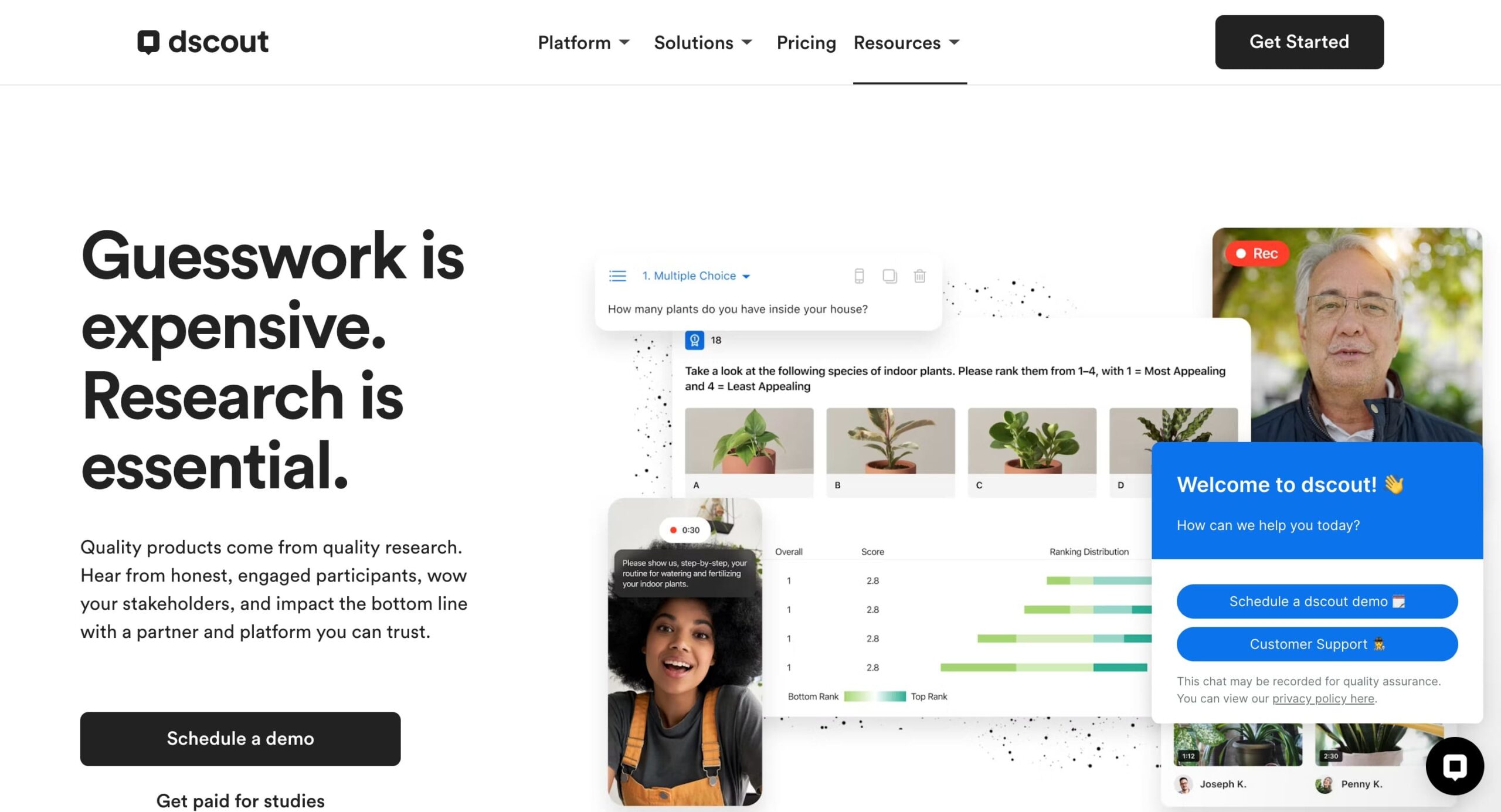
Dscout is a qualitative research platform designed for capturing real-world user experiences through mobile-first studies. It enables teams to run diary studies, conduct live interviews, and collect rich feedback through video, photos, and text. With access to a high-quality participant pool and built-in transcription, it helps streamline the process of gathering and organizing qualitative insights.
You even have a central dashboard that keeps everything organized, streamlining research workflows.
Main features
- Mobile diary studies with multimedia submissions
- Live video interviews with transcription
- Participant recruitment through a built-in panel
- Central dashboard for managing and analysing research
Pros
- High-quality participant panel
- Strong support, including access to research advisors
- Excellent for capturing in-context, real-world insights
Cons
- No dedicated mobile app for researchers
- Higher pricing compared to some alternatives
- Less focused on advanced qualitative analysis
Reviews
Dscout has an overall rating of around 4.5/5 on G2, with users consistently highlighting its high-quality participant pool, strong support, and ability to capture rich, in-context insights, while noting limitations in analysis capabilities and challenges with niche recruitment.
“I find Dscout’s interface very easy to use, which makes analyzing data simple. The AI updates and tools are especially helpful in summarizing open-ended responses, enhancing my experience significantly. It’s also very easy to set up, which I appreciate.“ – Ali D.
Pricing & plans
Dscout doesn’t publicly show their plans, but you can request a quote.
9. Indeemo
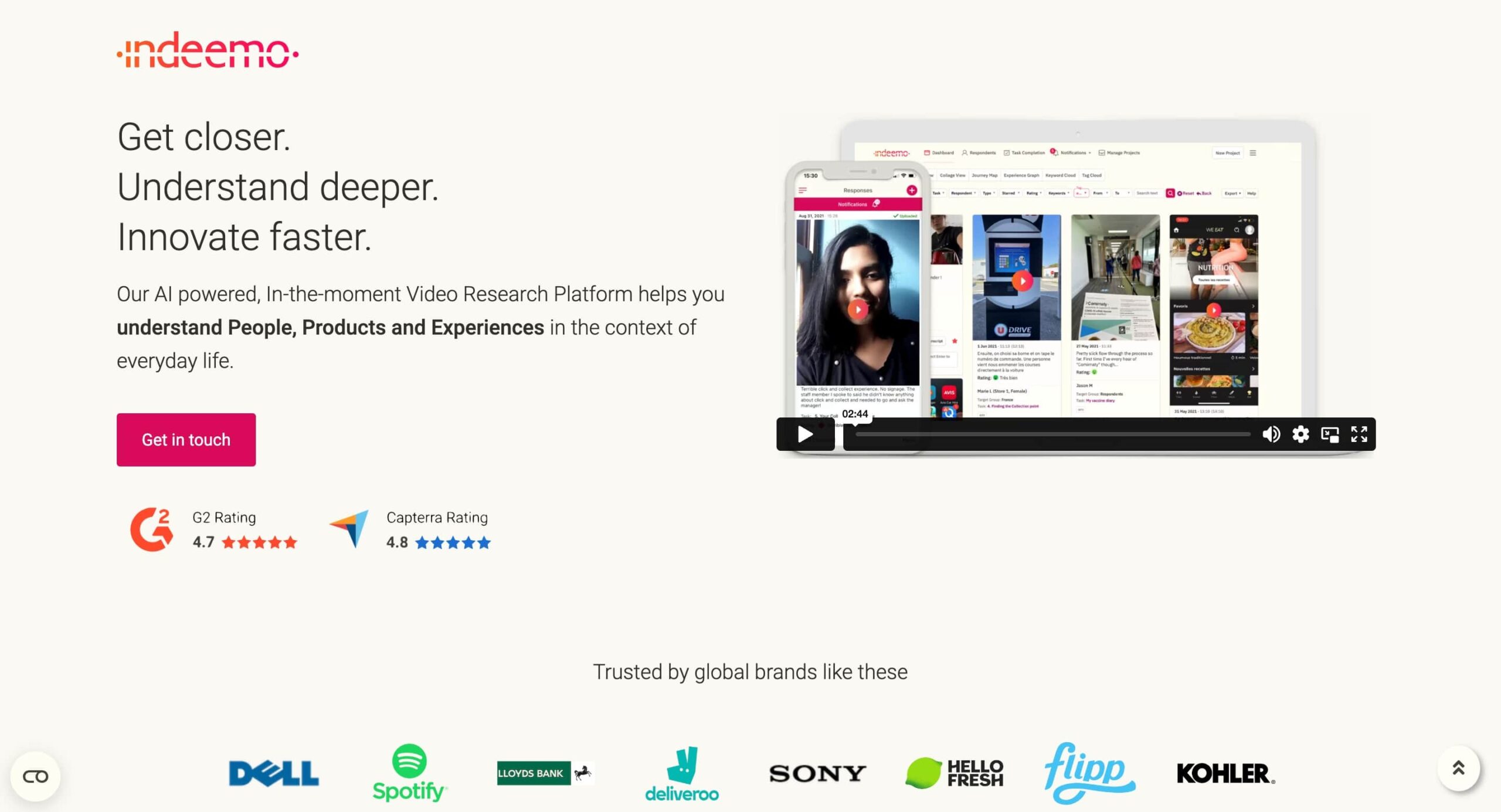
Indeemo is a qualitative research platform focused on remote video research and mobile ethnography. It enables teams to run diary studies, customer journey mapping, and usability testing while capturing real-world user experiences through multimedia inputs. With strong mobile support and integrations, it’s particularly useful for collecting in-context insights at scale.
Main features
- Mobile diary studies with video, photo, and text submissions
- Video interviews and remote usability testing
- Data visualisation and reporting tools
- Integrations with tools like Zoom and Microsoft Teams
Pros
- Strong mobile experience with support for 25+ languages
- Well-suited for in-context, real-world research
- Integrates with widely used collaboration tools
Cons
- Videos and transcripts must be downloaded separately
- Occasional issues with media uploads from participants
- Limited depth in advanced qualitative analysis
Reviews
Indeemo has a 4.8/5 overall rating on Capterra, with users highlighting its excellent support (5.0/5) and strong ease of use (4.6/5), while noting occasional issues with media uploads and data handling.
“I would say overall experience is quite positive. Indeemo core value is really amazing. There were some struggles at the beginning so really hope ux/ui would be more intuitive. I’m looking forward to the new functionalities and features.” – Tananart S.
Pricing & plans
Indeemo doesn’t publicly show their plans, but you can request a quote.
10. Dovetail
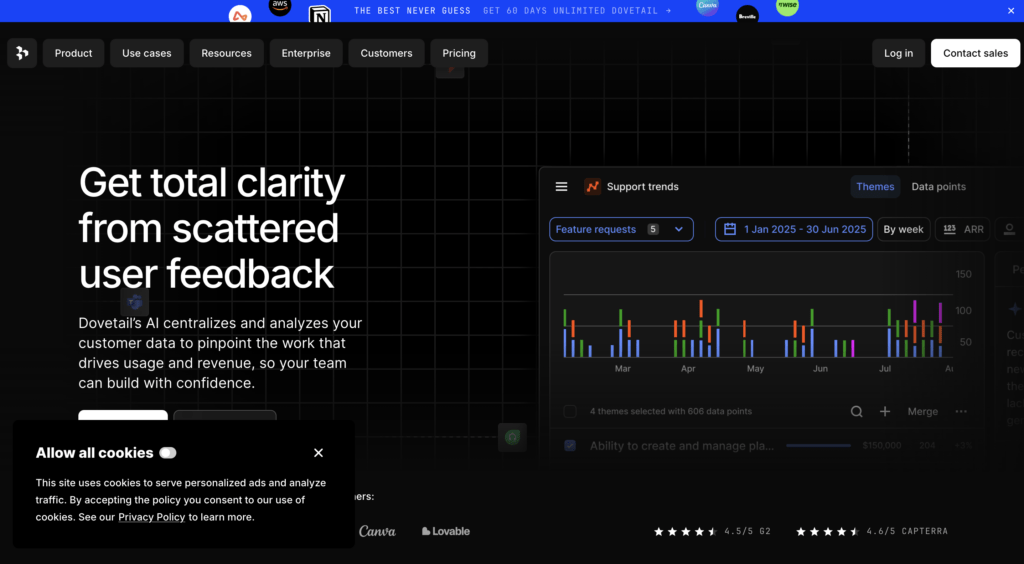
Dovetail is a research repository designed for organizing, tagging, and synthesizing qualitative data at scale. It brings transcription, highlights, and insight management into one place, helping teams turn raw research into structured, shareable findings.
Main features
- AI-powered transcription, tagging, and synthesis
- Centralised research repository
- Advanced search and querying
- Collaborative workspaces
Pros
- Strong coding and querying capabilities
- Excellent for organising large volumes of qualitative data
- Helps build long-term research repositories
- Clean and structured interface
Cons
Focused on analysis rather than data collection Limited visualisation compared to UX tools Requires initial setup to structure data effectively
Reviews
Dovetail has an overall rating of around 4.5/5 on G2, with users highlighting its powerful organisation and analysis capabilities, while noting a learning curve and limited data collection features.
“I can bring all my research and my user base into one place, which makes it much easier to keep everything organized. It also lets me transcribe audio interviews—something I can’t do with my other research tools.” – Gonzalo M.G.
Pricing & Plans
Dovetail offers a free plan with core features, along with paid and Enterprise plans for teams that need advanced controls and scalability.
Wrapping up
Choosing the right qualitative research tool comes down to balancing speed and depth. While many platforms excel in specific areas, only a few support the full research workflow across coding and querying, collaboration, and visualisation.
UXtweak stands out by covering all three, making it a strong all-in-one solution for teams that want to move from data to insights quickly and efficiently.
Try it for free today and make better decisions backed by real user data. 🐝





📌 Top 3 best alternatives at a glance: